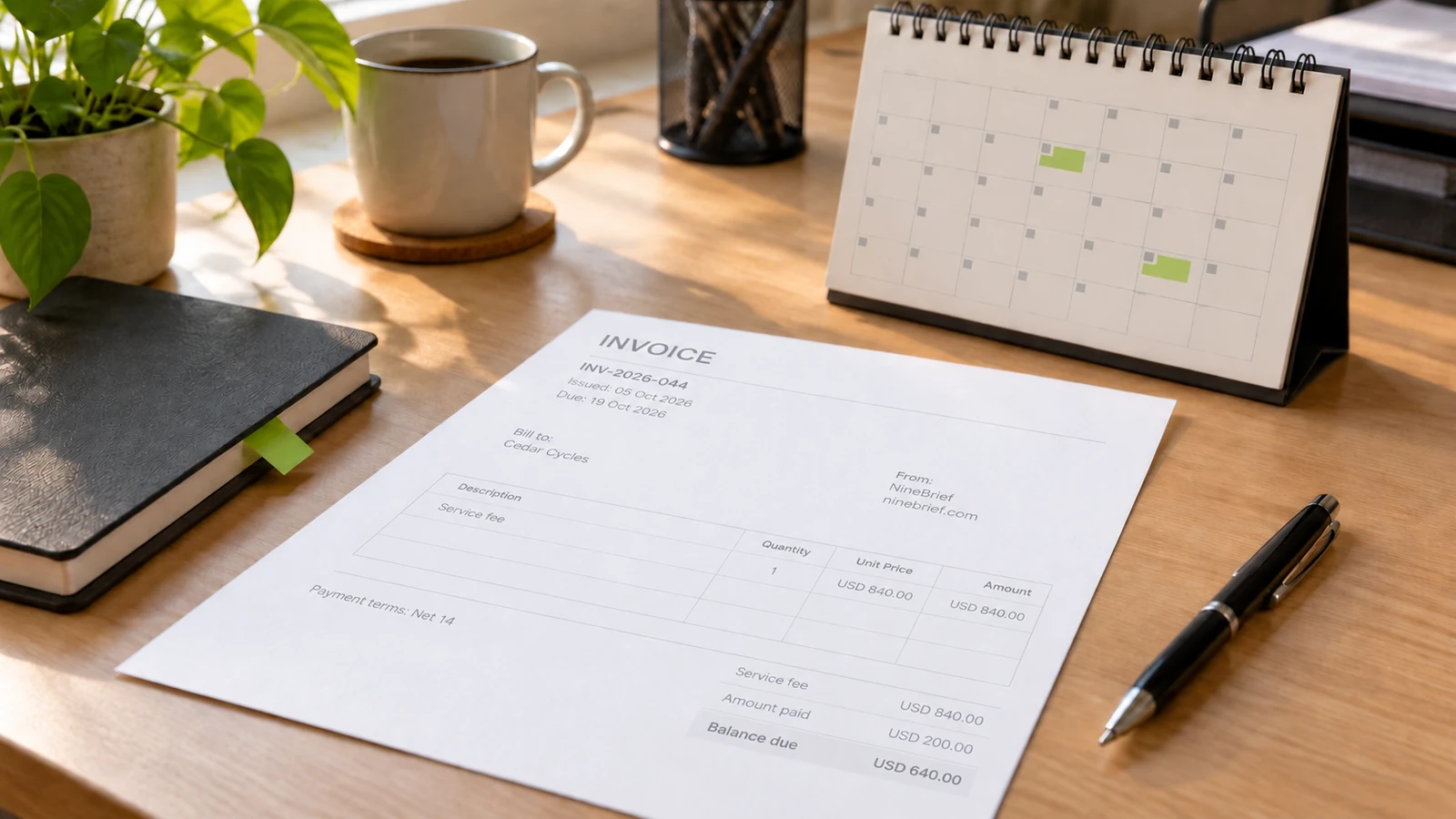
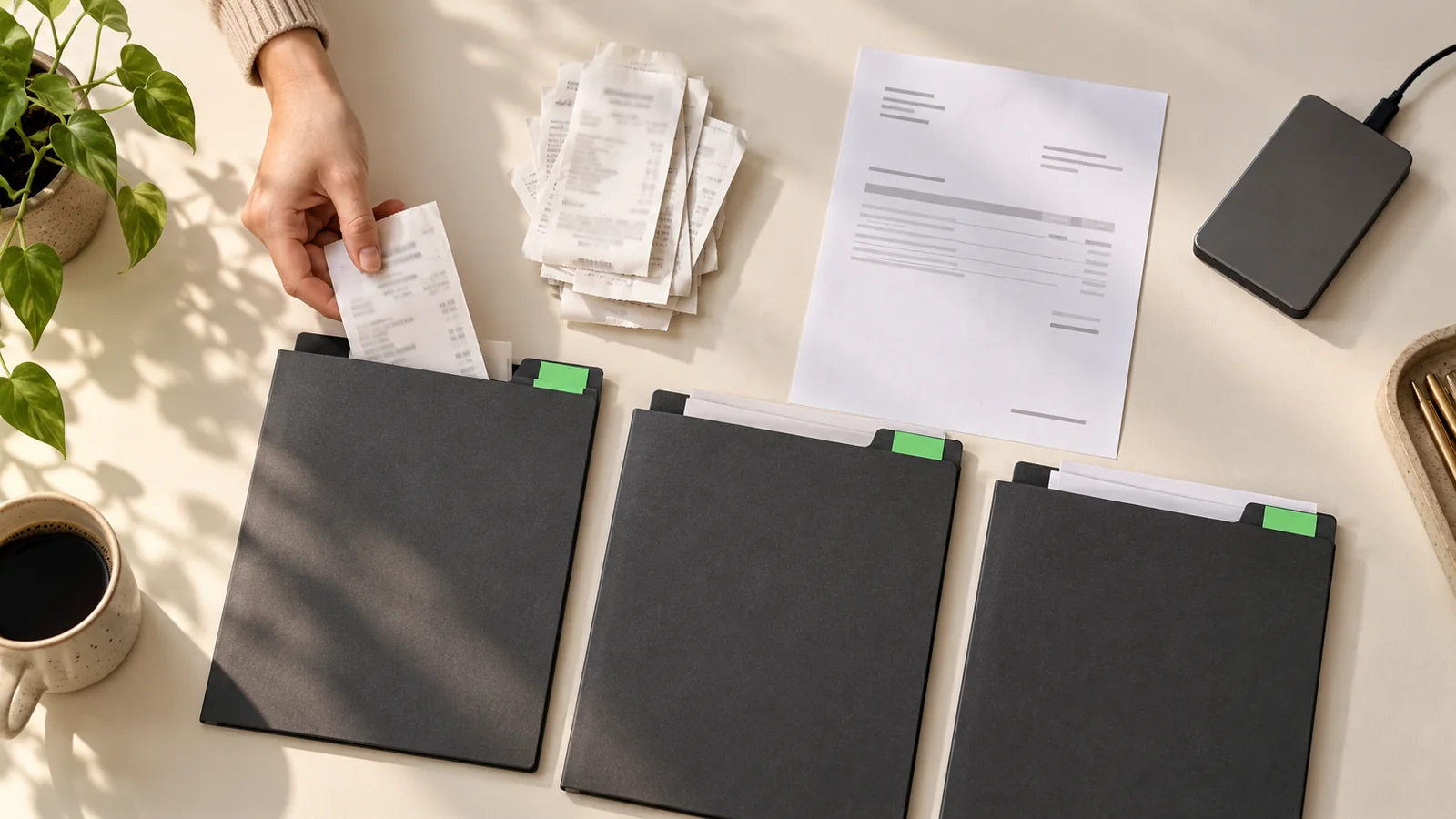
Keep issued invoices, purchase receipts, editable source files and payment evidence distinguishable, connected by stable references. Use a consistent folder and filename pattern, record payment allocations in a simple register, and keep a tested backup outside the working copy. An invoice requests payment; an invoice alone does not prove that money was received.
In this guide
Decide what each document proves
An invoice records a charge and asks for payment. A supplier receipt may describe a purchase and acknowledge payment, but check what it actually says. A bank transaction records money moving through an account. A quote records proposed work and price. These records complement one another; none should be renamed to make it appear to prove something it does not.
For example, a customer can send a remittance advice before money reaches your account. Keep that advice, but mark the payment as awaiting confirmation until you have checked the relevant payment record. Equally, a bank debit may establish that money left your account without explaining the business purpose or item purchased. Retain the itemized supplier document as well.
The IRS guidance on supporting business records distinguishes documents that substantiate purchases and expenses from proof of payment. Its US tax context is specific, but the practical retrieval question is useful everywhere: can another person follow the transaction from the underlying document to the money movement?
Keep the system proportionate. A folder structure and a small register can support a modest workload; they do not replace accounting software, mandatory digital records or professional bookkeeping where those are needed. The goal here is reliable document organization, not a new accounting method or a promise of tax compliance.
Build a folder structure around retrieval
Choose one working location and give it an obvious name, such as Business Records. Within it, separate businesses or legal entities before separating years. Mixing two entities' documents makes a clean-looking archive misleading. Use the reporting period that makes sense for your books, and write down whether your year folders are calendar years or financial years.
| Folder within the chosen year | What belongs there | Retrieval rule |
|---|---|---|
| Inbox | Newly downloaded or scanned documents | Temporary; review during the next filing session |
| Sales | Issued invoices, grouped by month | File by invoice issue date |
| Purchases | Supplier bills and itemized receipts | File by the document date |
| Payments | Bank or processor evidence | File by transaction date and reference |
| Agreements | Accepted scope, changes and purchase orders | Group by customer or project reference |
| Sources | Editable invoice exports | Match the issued invoice reference |
| Corrections | Superseded copies and correction explanations | Link old and new records |
| Reviews | Registers, reconciliations and unresolved questions | Retain each completed review snapshot |
This structure is a recommendation, not a tax-authority requirement. A business with a few large projects may prefer customer/project folders with the same document types inside. A retailer with many daily purchases may retrieve more easily by month and supplier. Choose the arrangement that matches how you actually look for evidence; avoid maintaining two competing originals in both arrangements.
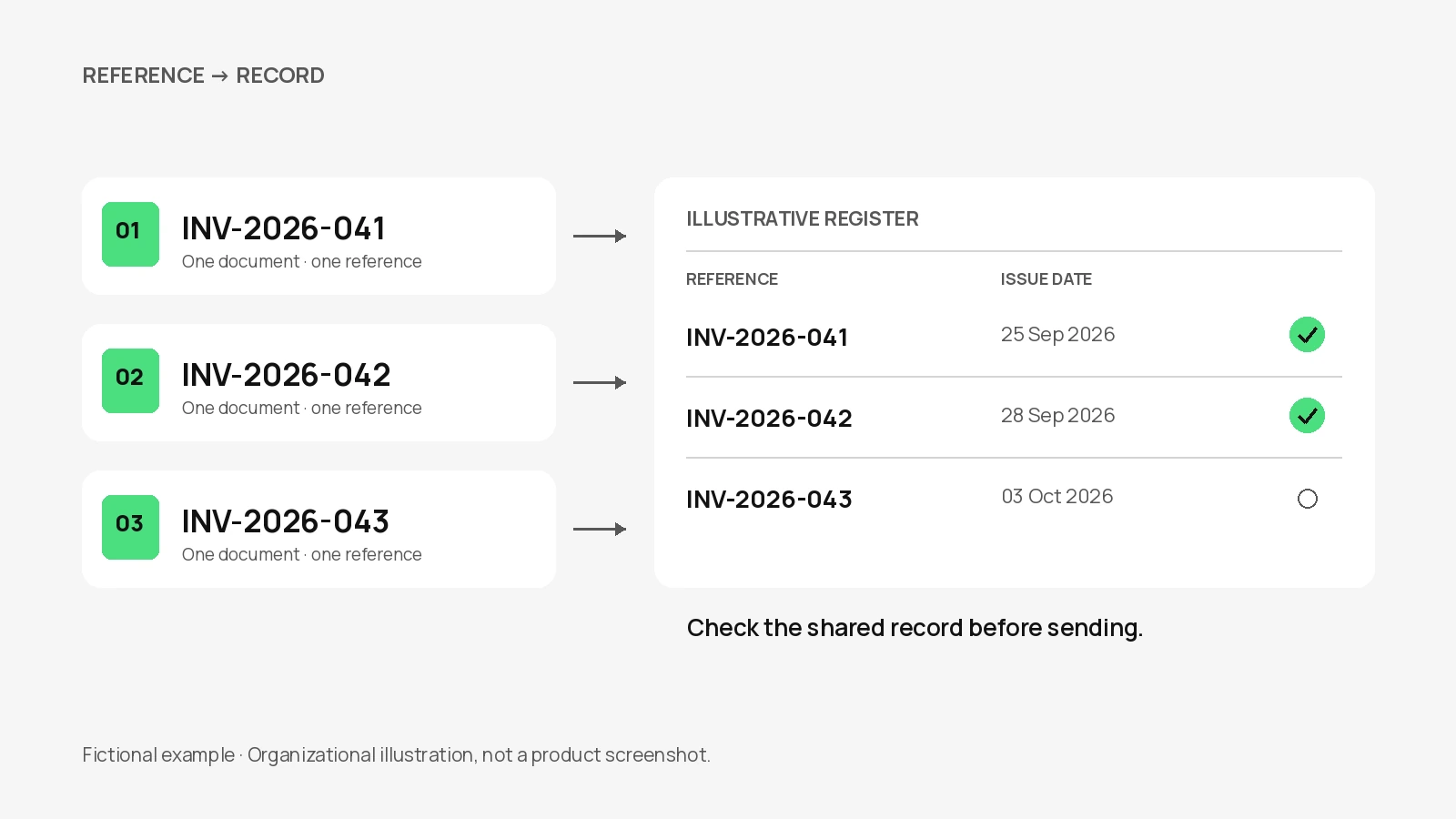
Keep an invoice in its original month even when it is paid later. Record the payment date in the register and cross-reference the payment file. Moving files between Unpaid and Paid folders can break links and lose the original filing context. Status belongs in the register; location should stay predictable.
Add a short read-me describing the pattern, the person responsible and where exceptions go. This is especially useful when a bookkeeper joins later. The read-me need not be elaborate: it should explain which date drives filing, where the exact sent PDF lives, and how to find the editable source and payment evidence.
Name files with stable identifiers
Use a consistent sequence such as document date, counterparty, document type and reference. A fictional issued invoice could be named 2026-10-12_Alder_Invoice_INV-2026-084.pdf. Its editable companion can be 2026-10-12_Alder_Invoice_INV-2026-084.json. The shared stem makes the relationship clear while the extension tells you which file to open for reading or editing.
Use the document's own date rather than today's download date. If the date is missing or uncertain, mark the item for review; do not invent one merely to satisfy the pattern. Include a customer or supplier name that you recognize, but avoid unnecessary personal information in filenames, which may appear in email previews, shared links or device searches.
Keep the invoice number inside the document consistent with the reference in the filename and register. Renaming a download does not change the number printed on it. For choosing and controlling numbers, use the separate invoice-numbering guide; this filing system starts after that identifier is assigned.
Avoid names such as final-final-new. An internal draft can carry a version suffix, but an issued document needs a clear status and an explanation if it is later replaced. Do not make file names carry every detail: amounts, due dates, allocations and outstanding questions are easier to maintain in the register. Long names also become difficult to read on phones and in attachment lists.
Capture receipts before the details disappear
Choose a repeatable capture routine. Save emailed attachments into the inbox, download records from supplier portals, and scan paper receipts while they are legible. Capture the whole document, including additional pages and any reverse-side detail that matters. A cropped total without the supplier, date or purchased items is much less useful than a complete record.
Open each capture before filing it. Check focus, orientation, faint printing and whether the bottom of the receipt is missing. Preserve the original attachment when available; a screenshot of part of an email should not unnecessarily replace a complete original PDF. If a portal link expires, a saved local copy can still be retrieved, subject to your own storage and backup practices.
Record the business purpose while you remember it. If a purchase contains both business and personal items, flag the allocation for your bookkeeper instead of deleting the inconvenient lines. Organization does not determine deductibility. A useful note explains what the purchase supported and which project it relates to, without asserting a tax treatment you have not checked.
For missing evidence, create an unresolved entry with the supplier, approximate transaction context and follow-up owner. Ask for a duplicate where possible. Do not manufacture a receipt or turn an internal note into a supplier-issued document. Keep the note visibly distinct from external evidence and let the appropriate adviser decide how the gap affects your records.
Preserve the issued PDF and editable source separately
The PDF is the readable document you reviewed and sent. Keep that exact file rather than assuming you can recreate it later from a changed draft. Store a copy of the sending record or note the recipient and sending date in your register. Saving a PDF does not establish that the recipient received it, accepted the charge or paid it.
An editable source serves a different purpose. In the released NineBrief Invoice tool, JSON is a structured export that can be imported for editing. It is not a PDF, a bank record or a receipt. Keep the JSON alongside its related PDF using a matching reference, and protect both because they can contain customer and business details.
NineBrief's anonymous draft is browser-local. It can help you continue in the same browser, but it is not an independent backup, a shared team register or a cloud archive. Browser data can be cleared, a device can fail, and a later draft can replace the working content. Export important work deliberately instead of treating a visible draft as long-term custody.
Before importing an old JSON file to test it, protect the draft currently open in the tool. Use a separate browser profile or a safe test context and follow any replacement warning. Confirm the restored reference, parties, rows and totals. A successful import shows that the saved file can be read in that test; it does not prove that every historical export or every backup is intact.
Follow one project from invoice to settlement
The following example is entirely fictional. Northline Studio bills Alder Workshop for a design assignment, with no tax included solely to keep the arithmetic visible. This is not a statement that the work is tax-exempt. The invoice is issued on 2026-10-12 under reference INV-2026-084, with a total of USD 900.00: design work of USD 780.00 plus approved production preparation of USD 120.00.
The customer pays USD 300.00 on 2026-10-14 and USD 600.00 on 2026-10-28. Both payments are confirmed and allocated to this invoice. Separately, Northline buys materials for USD 84.00 from Paper Mill on 2026-10-13. That purchase is an expense record; it is not a payment from Alder and does not reduce Alder's invoice balance.
| Record | Amount | Evidence reference | Effect on customer balance |
|---|---|---|---|
| Invoice INV-2026-084 | USD 900.00 | Issued PDF and matching JSON | USD 900.00 initially due |
| Customer payment PAY-1014 | USD 300.00 | Confirmed bank transaction | USD 600.00 remaining |
| Customer payment PAY-1028 | USD 600.00 | Confirmed bank transaction | USD 0.00 remaining |
| Supplier receipt REC-441 | USD 84.00 | Itemized receipt and bank debit | No change to customer balance |
The checks are straightforward: USD 780.00 + USD 120.00 = USD 900.00 in charges; USD 300.00 + USD 600.00 = USD 900.00 received; USD 900.00 minus USD 900.00 = USD 0.00 outstanding. Do not subtract the USD 84.00 supplier purchase from the customer's debt or describe the remainder as profit. Profit requires the wider accounting context, not just this document bundle.
The invoice register should also hold the customer, issue date, due date, currency, issued-file location, payment references and an unresolved-note field. A separate allocation list is useful when one bank payment covers several invoices or one invoice has several payments. Record the amount allocated to each invoice, and make the allocations reconcile to the payment total.
If a processor deducts a fee before depositing money, preserve the settlement report and fee evidence. Do not assume that the lower bank deposit means the customer underpaid. Likewise, do not mark a round-number transfer as paid against the oldest invoice without checking the customer's reference. Put uncertain allocations into review rather than forcing the register to balance through guesswork.
Keep corrections visible
A draft correction and an issued-invoice correction are different events. Before sending, update the draft, recheck totals and export the reviewed version. After sending, preserve what the customer actually received and record why a change is needed. Quietly overwriting the old PDF destroys the evidence needed to explain a later disagreement.
For a simple internal filing mistake, correct the filename or register link without changing the underlying document. For a billing mistake, follow the correction or credit-note procedure appropriate to your jurisdiction, tax status and agreement. This guide does not prescribe reusing an invoice number or issuing a new number in every case. Keep the original, the correction reference and the communication together.
Use a short correction note with the original reference, the error, the corrected document reference, the date and the person who made the change. Mark a superseded copy clearly in the register while retaining it. If money has already been received, reconcile the corrected charge, any credit or refund and the remaining balance separately; changing the PDF does not move money.
For duplicated downloads, compare the source, reference, date and contents before deleting a redundant working copy. Two filenames ending in different download suffixes may be identical, but two documents with the same invoice number may contain a meaningful revision. Keep uncertainty visible until someone checks it. A tidy directory is not worth losing the only evidence of a change.
Make a backup you can actually restore
Keep a recovery copy separate from the working files. That may be a suitably protected external drive or a separately managed backup service. Choose access and retention settings deliberately. A synchronized folder can be useful, but synchronization may also propagate deletion or corruption; check whether recoverable versions exist and how long they remain available.
Include the issued PDFs, editable exports, receipt images, register, allocation records and correction notes. A backup of invoices without the register can leave you unable to reconstruct payment links. A register without the source documents can tell you what should exist while giving you no evidence to open. Back up the complete set needed to explain a transaction.
Test recovery into a separate location. Pick a completed transaction, restore its files, open the PDF and receipt, and follow the register references to the payment evidence. Test an editable export without replacing live work. Record the date, what you restored and any gaps. The exercise should demonstrate retrieval, not merely that a backup job displayed a success message.
Limit who can access business records and protect devices and backup accounts appropriately. Avoid public sharing links for customer invoices. If someone else manages the backup, agree who can restore it when that person is unavailable. Do not store the only recovery instructions inside the same inaccessible account that the instructions are meant to recover.
Review the month through actual evidence
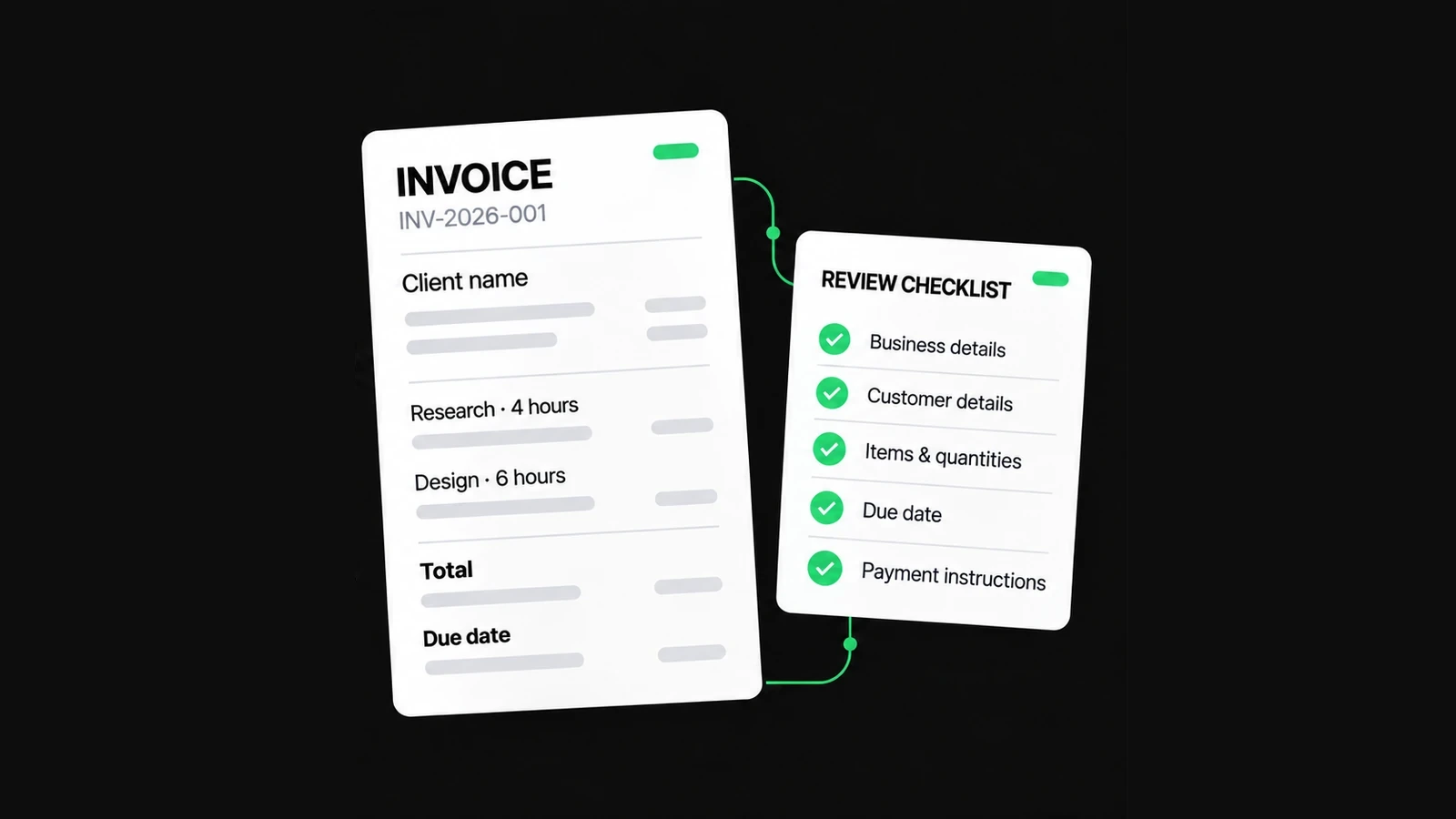
Set a regular review that fits your transaction volume. The monthly checklist below is a practical control, not a prescribed accounting close. During a busy period, capture and payment matching may need to happen more often. Give unresolved items a named owner and next action so that the same uncertainty does not silently roll forward.
- Empty the capture inbox by filing or assigning each unresolved item.
- Compare issued invoices with the sales register and investigate missing or duplicate references.
- Match confirmed receipts of money to invoices, including partial and combined payments.
- Match purchase documents to payment evidence and note missing business-purpose details.
- Reconcile credits, refunds and processor deductions without rewriting original charges.
- Open the latest PDFs and editable exports for a sample of completed work.
- Restore a sample from the independent backup and record the result.
- Save the reviewed register and carry forward only clearly described open questions.
Do not mark an invoice paid merely because its due date has passed or the customer says a transfer was sent. For the distinction between agreed dates and actual payment, see the payment-terms guide. Keep chasing decisions and customer communications in your own workflow; a folder system does not send reminders or collect payments.
Set retention rules for your actual jurisdiction
There is no single safe disposal period for every small-business document. Entity type, tax obligations, assets, employees, disputes and open enquiries can change what must be kept and when the clock begins. Keep a retention note that identifies the applicable authority and the record type, and check it before destroying either paper or electronic evidence.
| Market | Starting point | What to check for your situation |
|---|---|---|
| United States | IRS record-keeping guidance | The transaction, tax return and type of supporting record |
| United Kingdom | HMRC self-employed record guidance | Business structure, submission deadline and late-return exceptions |
| Australia | Business.gov.au and ATO guidance | Record type, starting event and longer company or employment obligations |
| Canada | CRA keeping-records guidance | Entity, GST/HST or payroll duties, format and destruction conditions |
For a UK sole trader, start with HMRC's self-employed retention page, rather than applying a company rule by analogy. In Australia, official record-keeping guidance distinguishes ordinary records from records that must be kept longer. In Canada, the CRA records hub links format, backup and retention requirements. These sources are starting points, not interchangeable worldwide rules.
Scanning a paper document does not automatically authorize destruction of the original. Check completeness, legibility, accessibility and the rules applicable to that record. If a dispute, enquiry or preservation requirement exists, obtain advice before routine deletion. Keep necessary evidence securely; do not retain unrelated personal information simply because storage is cheap.
Make handover and future retrieval easy
Before sharing records with a bookkeeper, specify the entity, period, currency and purpose of the handover. Provide an organized export, the current register and an unresolved-items list. Confirm how the files will be transferred securely and who keeps the original working records. A handover should not leave ownership or future access dependent on an unexplained shared folder.
Can a single folder be enough? Yes, for very low volume, if references are consistent and you can retrieve issued documents, sources and payment evidence. Add structure when retrieval becomes slow, not merely because a more complicated tree looks professional. Can a bank statement replace all receipts? It may show payment but often lacks the item and business-purpose detail that supporting records provide.
Should you keep a PDF if you already have JSON? Keep both when you need the exact readable issue and the ability to edit later. Can an invoice be treated as a receipt after you type Paid on it? That label records an assertion; retain the supporting payment evidence and allocation. Neither a renamed file nor a label independently proves the transaction.
For a project-specific application, the photography invoicing example shows how a booking, approved extras, final bill and delivery record fit together. Start with one completed transaction in your own business and test whether someone else can follow the same chain. Fix the missing links before expanding the system.
About this resource
Product instructions are based on the current free-tool implementation; examples are synthetic and their arithmetic is checked. This is practical product guidance, not professional legal, tax or accounting advice.
For how the tools operate, see the Free Tools Terms of Use and Privacy Policy. Send corrections to hello@ninebrief.com without including confidential customer documents.