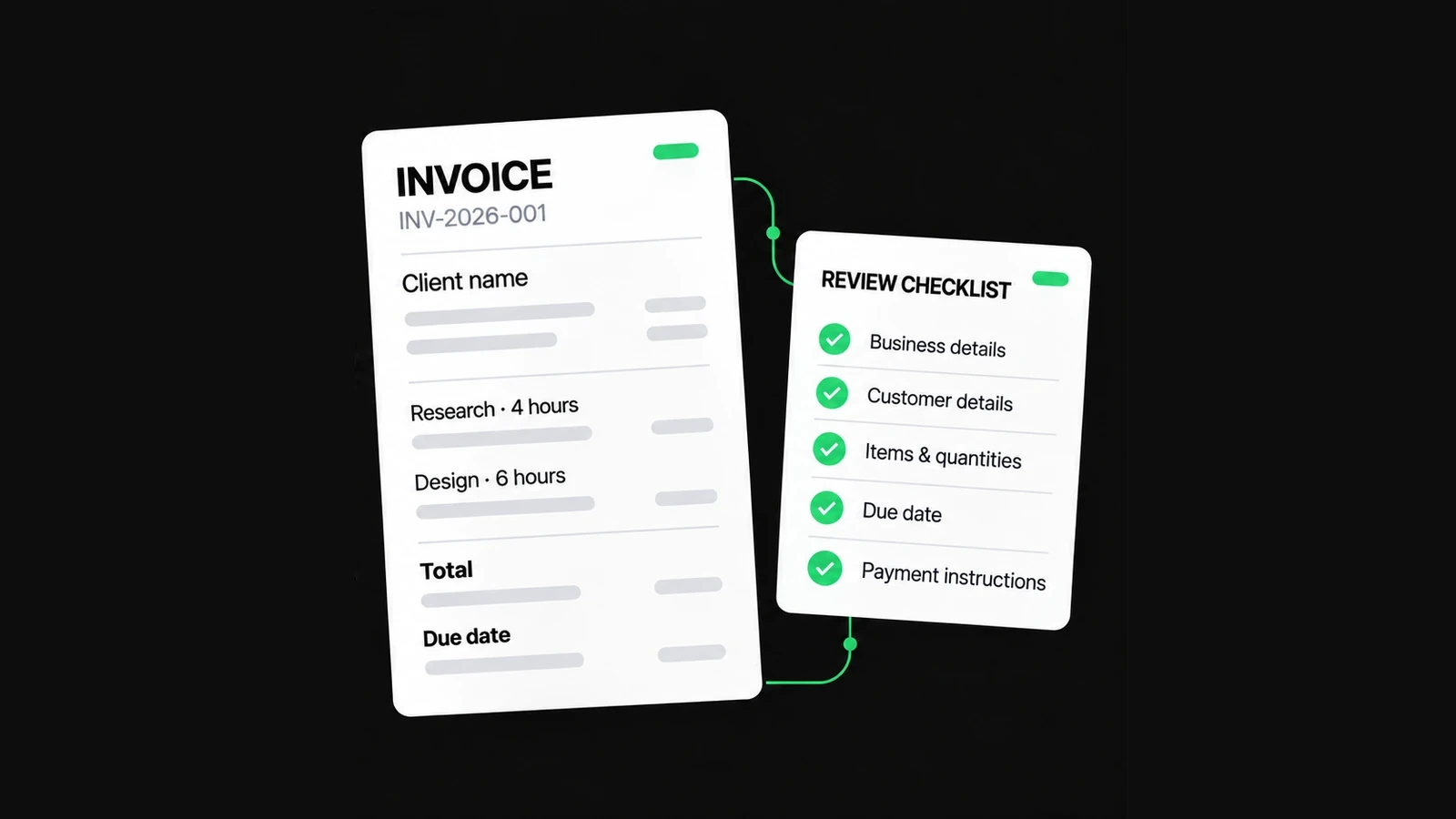
Choose a consistent invoice-number format, give each issued invoice its own reference and record that reference before sending. A prefix plus an increasing sequence is a practical starting point. Check your register across all devices: NineBrief can suggest or increment a number, but it does not check a shared invoice history for duplicates.
In this guide
What an invoice number identifies
An invoice number identifies a particular bill. It is different from a customer account number, a project reference or the buyer's purchase-order number. A customer may have several invoices for the same project, so those references should not replace the invoice's own identity.
Put the same reference on the invoice, in your records and in the message accompanying the document. If you request it as a payment reference, explain that to the customer. This gives you a consistent way to search for the bill without relying on an amount or customer name that may appear repeatedly.
An identifier does not prove that work was accepted or payment arrived. Keep the supporting agreement, service records and payment evidence separately. For the other fields on the document, use the first-invoice guide and checklist.
Choose a format you can maintain
For a small business keeping one invoice register, a short prefix and an increasing number are usually easier to manage than a different pattern for each customer. Decide what each part means before you start. Avoid putting private customer details into a reference that will appear in emails and filenames.
These are illustrative organizational choices, not a statement that every jurisdiction accepts every format:
| Format | Example | What to maintain |
|---|---|---|
| One continuous sequence | INV-000041 | One register that continues when the year changes. |
| Year and sequence | INV-2026-041 | A written rule for the year component and any reset. |
| Separate team series | EAST-2026-041 | A distinct series owner and a combined record of issued invoices. |
Leading zeroes help references stay visually consistent, but they do not prevent duplication. Neither does a date alone: you may issue several invoices on the same day. Choose enough room for growth, keep punctuation predictable, and avoid switching formats simply because a new customer prefers a different filename.
Keep a register of references and documents
Your register can begin as a controlled spreadsheet or your existing accounting system. Record the invoice reference, issue date, customer, billed period or job, document location and status. Restrict access appropriately because this register contains business and customer information.
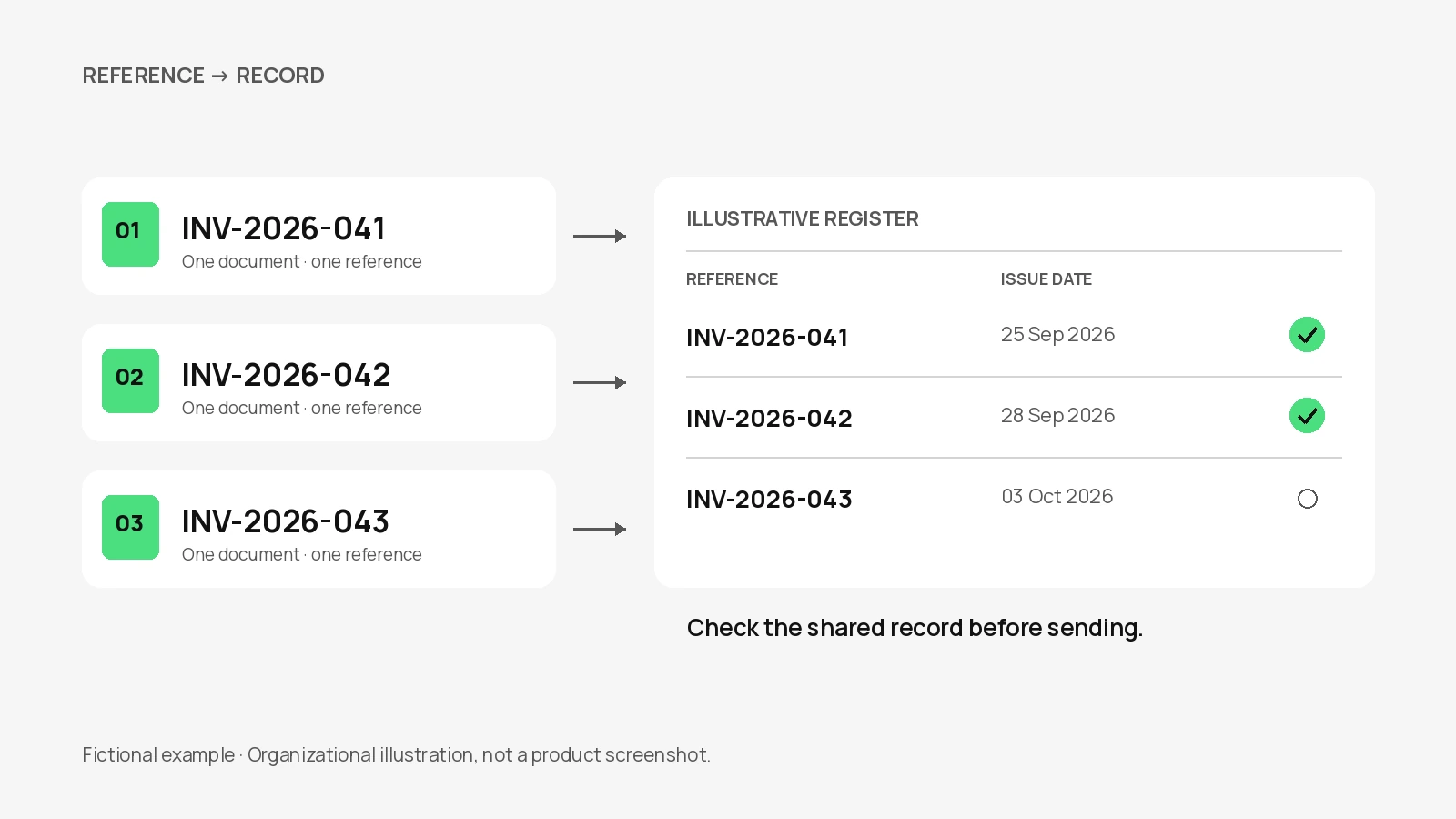
Here is an original fictional example. The gaps between issue dates are harmless in this illustration: the reference identifies the invoice, not a promise to issue a document every day.
| Invoice reference | Issue date | Customer and work | Record |
|---|---|---|---|
| INV-2026-041 | 2026-09-25 | Alder Office — completed cleaning visits | Issued; final file retained. |
| INV-2026-042 | 2026-09-28 | Birch Studio — approved design work | Issued; final file retained. |
| INV-2026-043 | 2026-10-03 | Alder Office — separate completed work | Being checked before issue. |
Searching only a downloads folder is fragile: files can be renamed, copied or saved on another device. The register should point to the final document rather than depend on its filename being the sole record. Keep an editable backup as well as the customer-facing file, with access and retention appropriate to your business.
Prevent duplicates when more than one device is involved
The key control is allocation. Before issuing an invoice, check the register and reserve the next reference using a process that other people cannot unknowingly repeat. If one person handles billing, make that ownership explicit. If a team shares the task, agree who allocates numbers and how a reservation becomes an issued record.
A shared spreadsheet is useful for visibility, but simultaneous editing still needs coordination. Two people can both read the same last number and prepare the same next number. Businesses with frequent concurrent billing should use a system that manages allocation reliably rather than depend on everyone remembering to refresh a sheet.
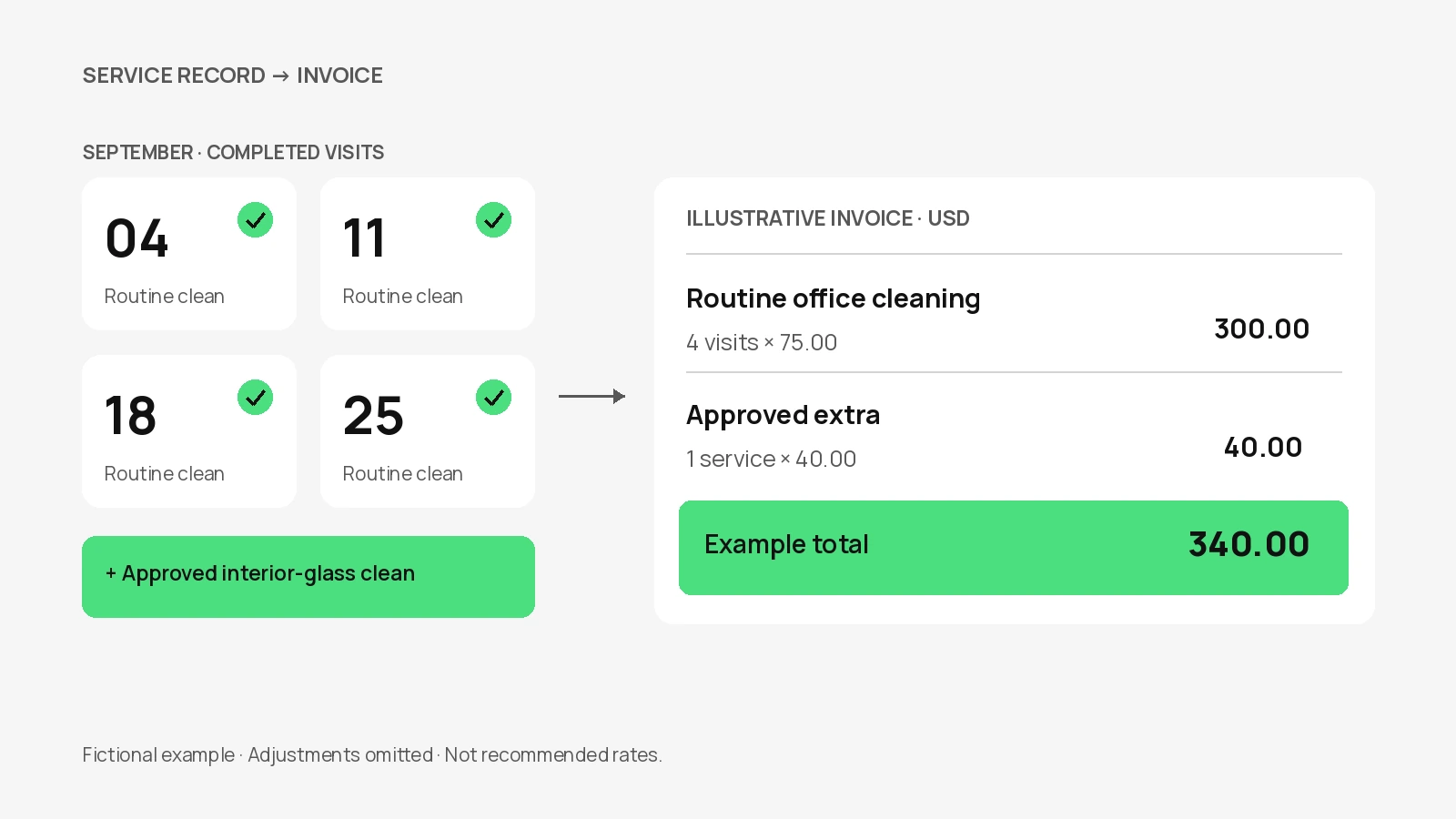
The same risk exists when one person uses a laptop and a phone. A browser draft on one device does not know which references you used elsewhere. Check the central record before sending, even when the proposed number looks new. For repeated service visits, the cleaning-business invoice example shows why the billed period also needs its own check.
Keep drafts, copies and corrections distinct
A draft you are still preparing and an invoice you have already issued are different stages. Record that distinction so an unfinished document is not mistaken for a bill already sent. If a reserved draft is abandoned, keep a note of what happened instead of silently allocating its reference to unrelated work.
When a customer asks for another copy of an unchanged invoice, retrieve the existing final document. Generating another invoice with a new reference can make the customer think there is another charge. A filename such as a later download version is not, by itself, a new business transaction.
If an issued invoice is wrong, preserve the original and establish the correction process required for your transaction and jurisdiction. Do not assume that overwriting the old file, deleting its register row or adding a suffix is sufficient. NineBrief does not currently provide a dedicated credit-note or issued-invoice correction workflow.
Use the number controls in NineBrief carefully
The Invoice Generator supplies an initial number made from an invoice prefix, the current year and month, and a random numeric suffix. That is a starting suggestion, not a check against documents you have previously issued. You can replace it with the reference you have allocated.
The current New and Duplicate actions advance the trailing numeric part of the existing invoice number when it can be incremented. They do not look up your complete history or apply an accounting policy for a new year. Duplicate also carries document content forward, so review the customer, dates, billing period, items and terms rather than checking only the number.
- Check your register and allocate the intended invoice reference.
- Open the generator and review the existing browser draft before changing it.
- Enter the allocated reference in the invoice-number field and complete the transaction details.
- Review the clean document, save the PDF and export a JSON backup before replacing the working draft.
- Record the final file and issue status, then send it through your own communication channel.
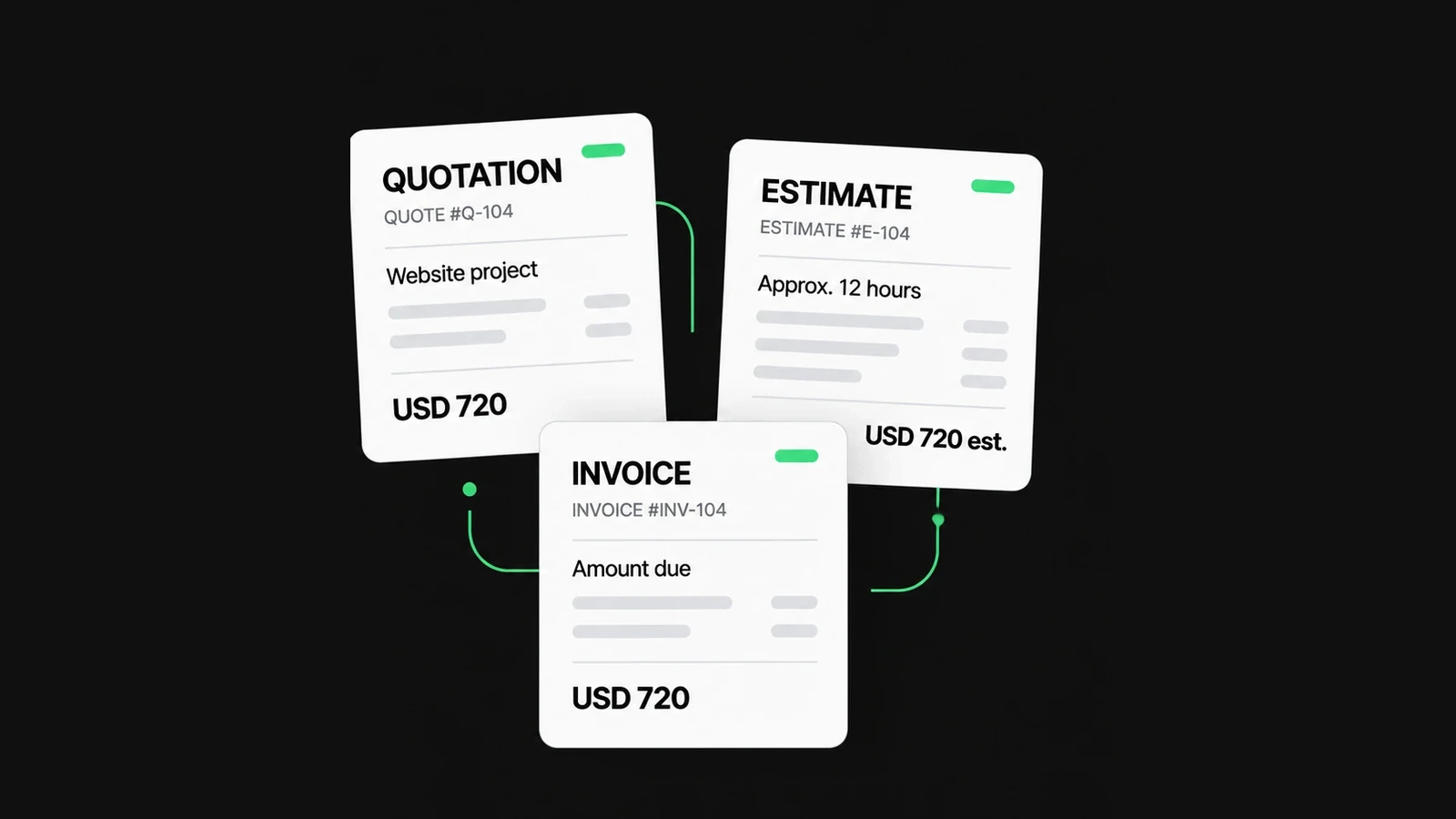
The free tool keeps a working draft in the browser; it is not a cloud invoice archive or an email sender. A quotation number also remains a separate reference: follow the quotation, estimate and invoice comparison when a proposed job becomes a bill, and check the new invoice's identity before issue.
Decide what happens at a year change
Write down whether your sequence continues or starts a new series, and verify any applicable requirements before changing it. In a continuous system, the next reference after INV-000041 could be INV-000042 regardless of the year. In a year-based system, the year component must stay consistent with your stated rule.
Do not assume an increment button changes the year as well as the final digits. If you duplicate a December document in January, inspect the entire reference, issue date and service period. A new year is also a useful time to check that every issued reference in your register points to the correct retained document.
Check the reference before you send
- The invoice reference follows the format you have chosen and checked.
- It is not already assigned to another issued invoice in your records.
- Customer, project and purchase-order references remain separate and accurate.
- The billed work, issue date and final document match the register entry.
- Another device or team member has not allocated the same reference.
- You have retained the final file and an appropriate editable backup.
Numbering requirements depend on where and how you operate. For example, GOV.UK's invoice guidance includes a unique identification number in its UK requirements. That example is not a universal numbering, reset or correction rule. Check the authority and professional guidance relevant to your own business before adopting a compliance policy.
About this resource
Prepared with AI assistance for NineBrief Inc. Product instructions are based on the current free-tool implementation; examples are synthetic and their arithmetic is checked. This is practical product guidance, not professional legal, tax or accounting advice.
For how the tools operate, see the Free Tools Terms of Use and Privacy Policy. Send corrections to hello@ninebrief.com without including confidential customer documents.