A cleaning invoice should identify the payer and service location, describe the completed work, and show the agreed quantities, rates, dates and amount due. Separate routine visits from approved extras, and check the service record before copying last period's charges. NineBrief can prepare the invoice, but it does not schedule visits or verify that a clean took place.
In this example
Start with the service record, not last month's invoice
Before preparing a bill, gather the agreed scope, service location, completed visit dates and any approved extra work. A calendar booking tells you what was planned; it does not confirm what actually happened. Compare it with your completion records, including rescheduled visits and work that could not be done.
For a home clean, the person arranging access may also be the payer. For an office or managed property, the site contact and the billing customer may be different. Confirm the billing name and recipient early so an otherwise clear invoice does not arrive with someone who cannot approve it.
Keep access codes, alarm instructions and other sensitive property details out of the invoice. The document needs enough information to identify the job, not everything your cleaning team needed to enter the site. Store operational instructions in the appropriate secure place.
Make the billing unit explicit
Use the unit that matches your agreement. A fixed visit price, an hourly charge and a one-off deep-clean fee describe different billing models. Avoid a vague line such as "cleaning services" when the customer needs to check several visits or locations.
| Billing basis | Clear quantity | Detail to retain |
|---|---|---|
| Agreed price per visit | Completed billable visits | Service dates and included scope. |
| Agreed labour-hour rate | Total billable labour-hours | Who worked, time records and the agreed counting method. |
| Fixed one-off job | One agreed service | Property or area, scope and approved extras. |
For example, two cleaners working for two hours produce four labour-hours, but only two hours of elapsed time. Which figure belongs on the bill depends on the agreed pricing model. Do not multiply a fixed team-visit price by the number of cleaners. That would change the bargain rather than merely clarify the invoice.
A checked monthly cleaning invoice example
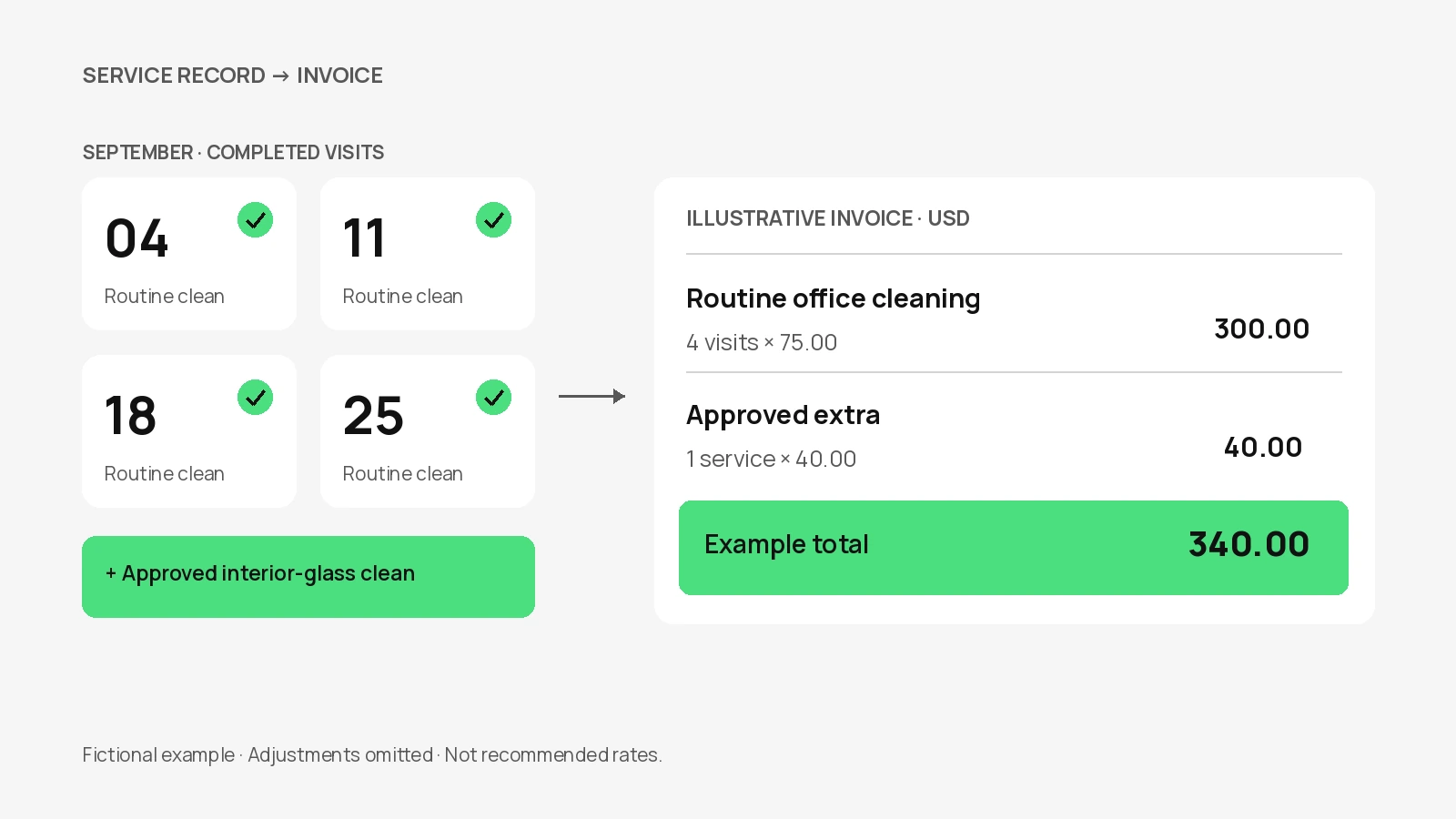
In this fictional example, Cedar Cleaning bills Alder Office for four completed routine visits and one separately approved interior-glass clean. Routine supplies are already included in the visit price. The business and prices are invented to demonstrate the structure, not to suggest market rates.
| Description | Quantity | Rate (USD) | Amount (USD) |
|---|---|---|---|
| Routine office clean — September 04, 11, 18 and 25 | 4 visits | 75.00 | 300.00 |
| Approved interior-glass clean — September 25 | 1 service | 40.00 | 40.00 |
The customer can reconcile the routine line with the listed dates and the extra line with its approval record. If the visits had different rates or materially different scopes, separate them into clearer lines instead of using one average price that hides the difference.
The example total is the sum of the two lines. It does not decide whether tax applies, whether a discount was agreed or whether a payment has already been received. Review those facts separately before preparing your own final invoice.
Write descriptions that explain the service
A useful description combines the service, location or site reference, and dates or billing period. For example, a routine office-clean line can identify the reception and shared areas, then list the completed visit dates in its details. You do not need to reproduce a long cleaning checklist on the invoice.
Keep the agreed scope available elsewhere. If interior glass, carpet treatment or appliance cleaning is outside the routine package, use a separate line only when that work and its charge were agreed. A familiar-looking monthly invoice should not conceal a new service or an unexpected fee.
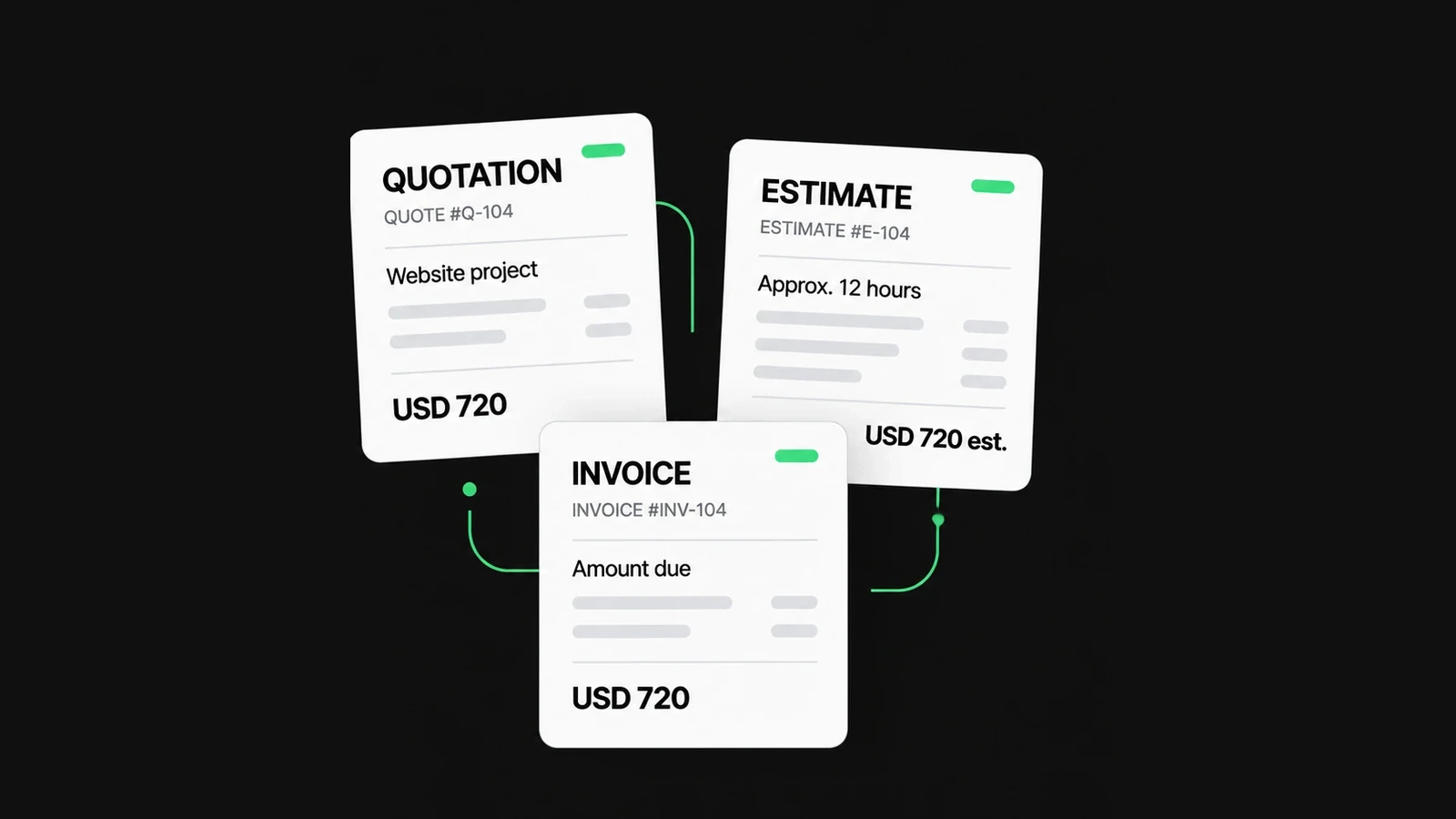
When a job is still being priced, prepare a quotation or estimate first. The document comparison guide explains the distinction between proposing a service and billing it. An invoice should not be used to make an unagreed extra look as though it was already authorized.
Handle missed visits, changes and supplies carefully
If a visit was skipped, rescheduled or shortened, compare what happened with the agreement before deciding what to bill. A fixed monthly service arrangement may differ from a price-per-completed-visit arrangement. Do not automatically subtract or charge a visit based on a calendar entry alone.
Keep any cancellation or access-related charge distinguishable from a completed clean. Whether such a charge is appropriate depends on the agreement and applicable rules; this example does not establish an entitlement to it. Record the reason and resolve uncertainty with the customer before issuing the bill.
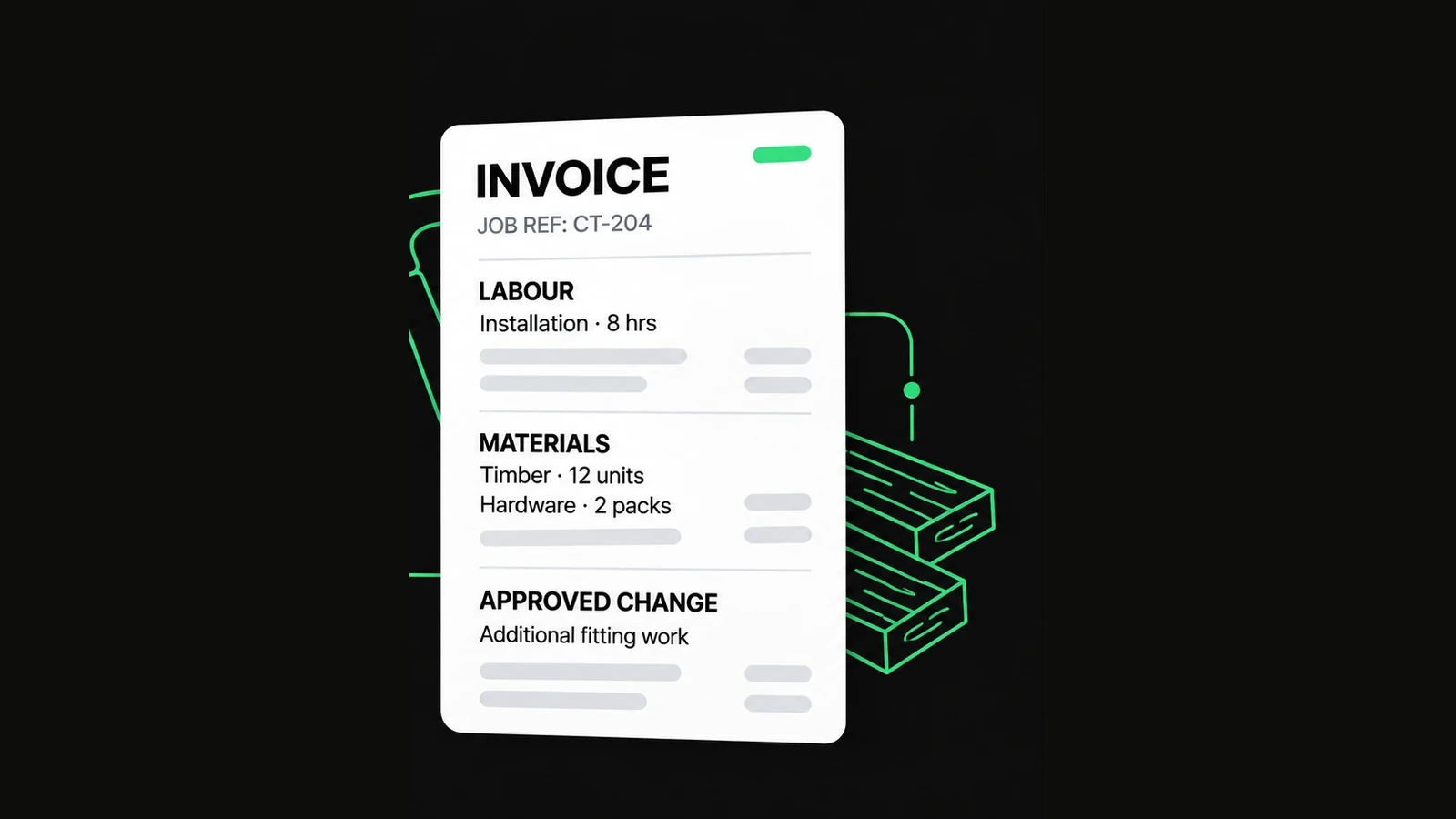
Check supplies for double counting. If the routine visit price includes ordinary cleaning materials, do not add those materials again without a separate agreed basis. Likewise, an approved extra must not appear both as an additional line and as a general extra charge. For one-off site work involving distinct labour and materials, the contractor invoice example offers a useful comparison.
Review every repeat bill as a new transaction
Regular work makes copying a previous invoice tempting. Use the earlier document as a reference, then verify the current period, completed visits, prices, extras and customer details. Months do not all contain the same number of scheduled visits, and a booking may move across the billing cutoff.
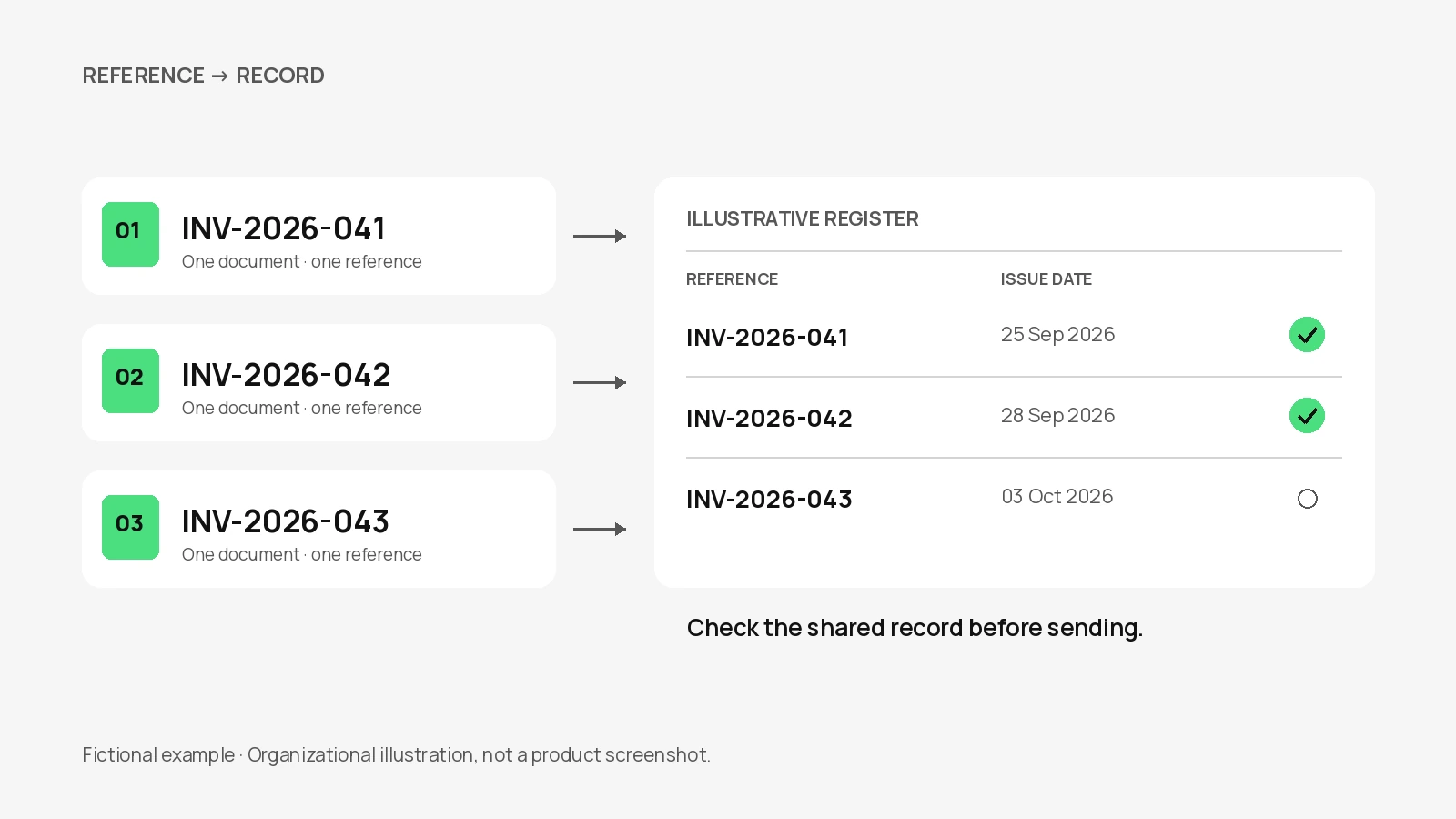
Give the new bill its own checked reference. The invoice-numbering guide shows a simple register and explains why an incremented number can still duplicate a reference used on another device. Keep the service period distinct from the invoice issue date so the customer knows what the bill covers.
NineBrief's current tools do not schedule recurring invoices, send them automatically, track staff time or maintain a cloud service history. Keep those records in your existing process. When using Duplicate, review all carried-forward fields; the action is not a verification that the same work happened again.
Separate the payer, property and payment details
Use the customer's billing identity in the customer section. Add a recognizable service-location or project reference where needed, especially when one payer manages several properties. If you combine sites in a bill, make each site's charges identifiable and follow the customer's agreed approval process.
Enter the issue date, agreed payment terms and due date, then check that they agree. Include payment instructions the customer can verify. Do not include sensitive credentials, and do not treat an email saying payment was arranged as confirmation that funds arrived.
Record an amount paid only after checking your payment records. A manually selected Paid status is not bank verification. If a customer questions a visit or extra charge, reconcile the service and approval records before changing the invoice; the generator cannot resolve that disagreement.
Prepare the document in NineBrief
- Open the Invoice Generator and preserve any existing draft you still need.
- Enter the business and customer details, a checked invoice reference, dates and the agreed currency.
- Add routine work and approved extras as separate lines using the correct quantity and unit. Use the item details for visit dates or a site reference.
- Review any applicable tax, discounts, extra charges and verified received payments. Check that supplies or extras have not been billed twice.
- Finish editing, inspect the clean preview and save the PDF. Export a JSON backup if you need an editable copy before replacing the browser draft.
Use your own email or other agreed channel to send the invoice. The free generator does not send it for you or prove delivery to the customer. If you need help with the general fields or saving options, follow the complete first-invoice walkthrough.
Before sending a cleaning invoice
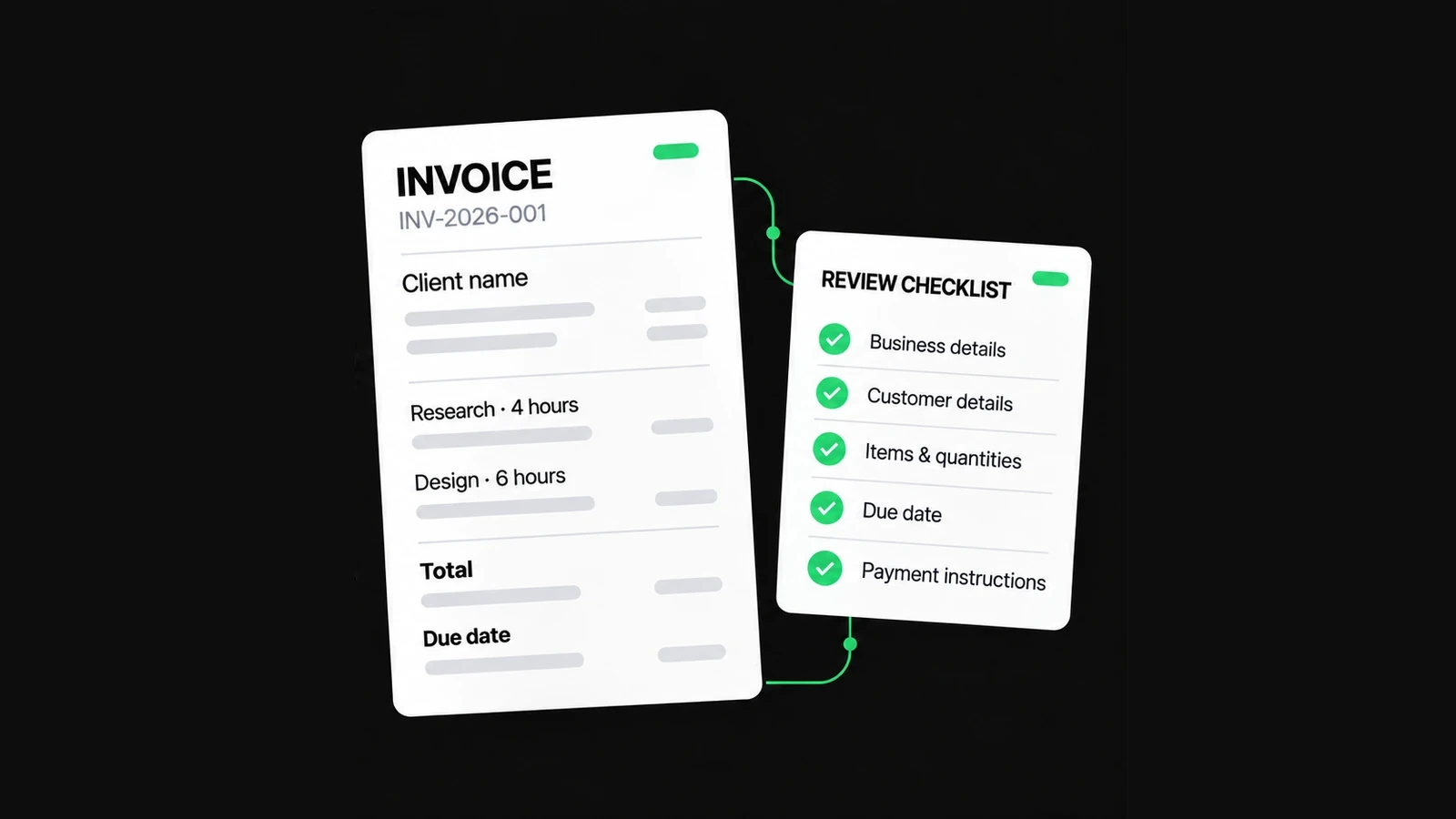
- The payer and service property can be identified without exposing access information.
- The billed visits match completion records and the agreed charging basis.
- Hourly quantities distinguish labour-hours from elapsed time.
- Extra work is approved, described separately and counted only once.
- The invoice reference, service period, issue date and due date are correct.
- Applicable adjustments and received payments have been checked.
- The final document and editable backup are retained appropriately.
For general preparation guidance in Australia, see business.gov.au's invoicing guide. Its requirements are jurisdiction-specific. Check the rules relevant to your own business; this cleaning example is a workflow illustration and does not establish tax, licensing or invoice-compliance requirements.
About this resource
Prepared with AI assistance for NineBrief Inc. Product instructions are based on the current free-tool implementation; examples are synthetic and their arithmetic is checked. This is practical product guidance, not professional legal, tax or accounting advice.
For how the tools operate, see the Free Tools Terms of Use and Privacy Policy. Send corrections to hello@ninebrief.com without including confidential customer documents.