A web-development invoice should identify the client and project, name the stage or service being billed, and show the agreed quantities, charges, dates and balance. Keep approved changes and third-party costs traceable, and distinguish this invoice from earlier stage bills. Maintenance needs its own clear period and scope; an invoice does not verify project approval, site launch or payment.
In this example
Start with the project and billing records
Gather the accepted scope, agreed price, billing schedule, stage approvals and any approved changes before creating the invoice. A project board showing “done” is useful context, but it is not necessarily the commercial event your agreement uses for billing.
Confirm the client's billing identity and recipient. The person reviewing the website may differ from the person who approves invoices. Use a recognizable project reference, and include the buyer's purchase-order reference when their process requires it. A domain name can help identify the work, but it does not replace the customer identity.
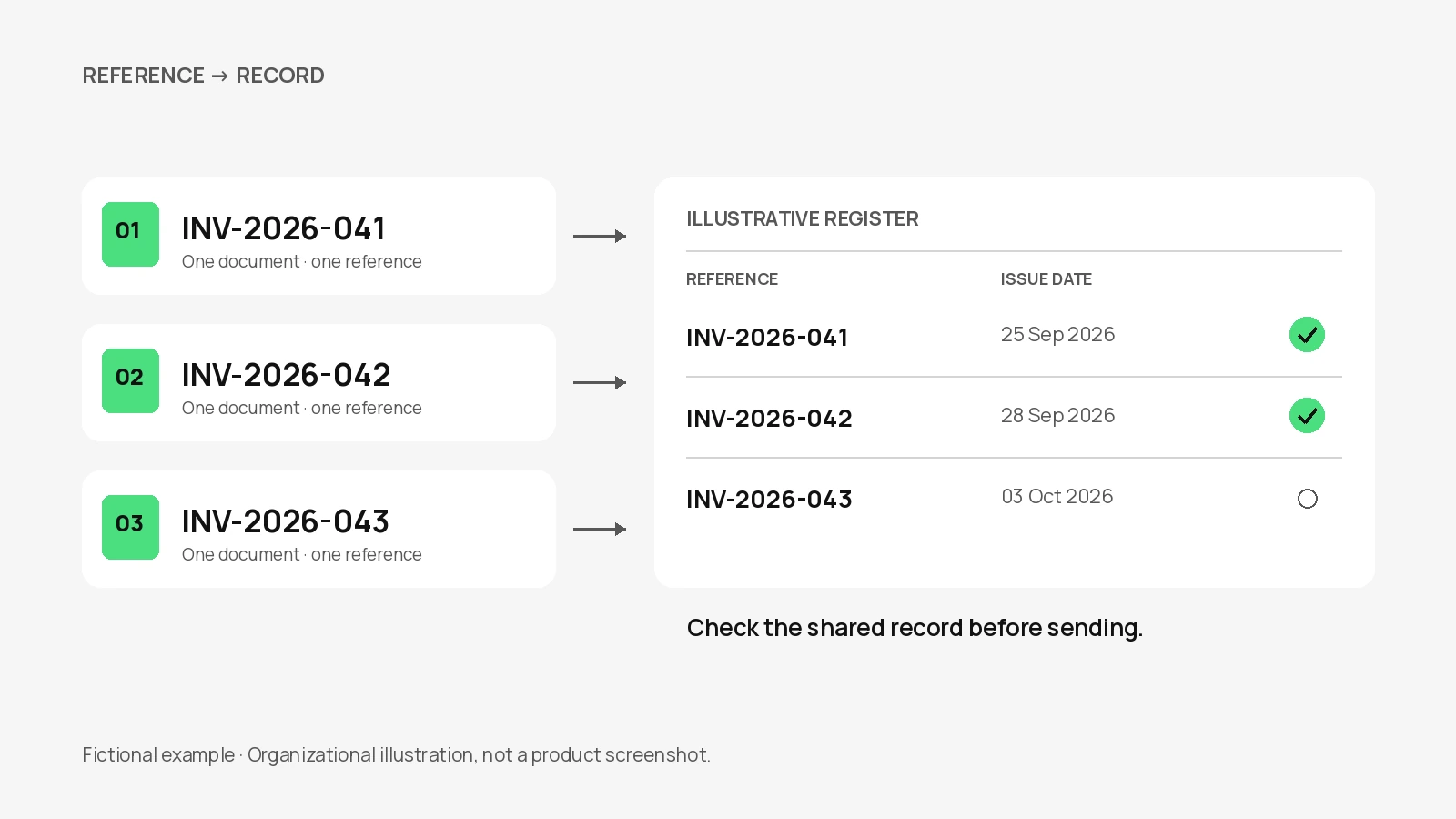
Keep a small project billing register outside the generator: agreed stages, triggering events, invoice references, billed amounts and allocated payments. This gives you a way to check the current bill without relying on memory or a copied browser draft.
Match the line to the agreed billing model
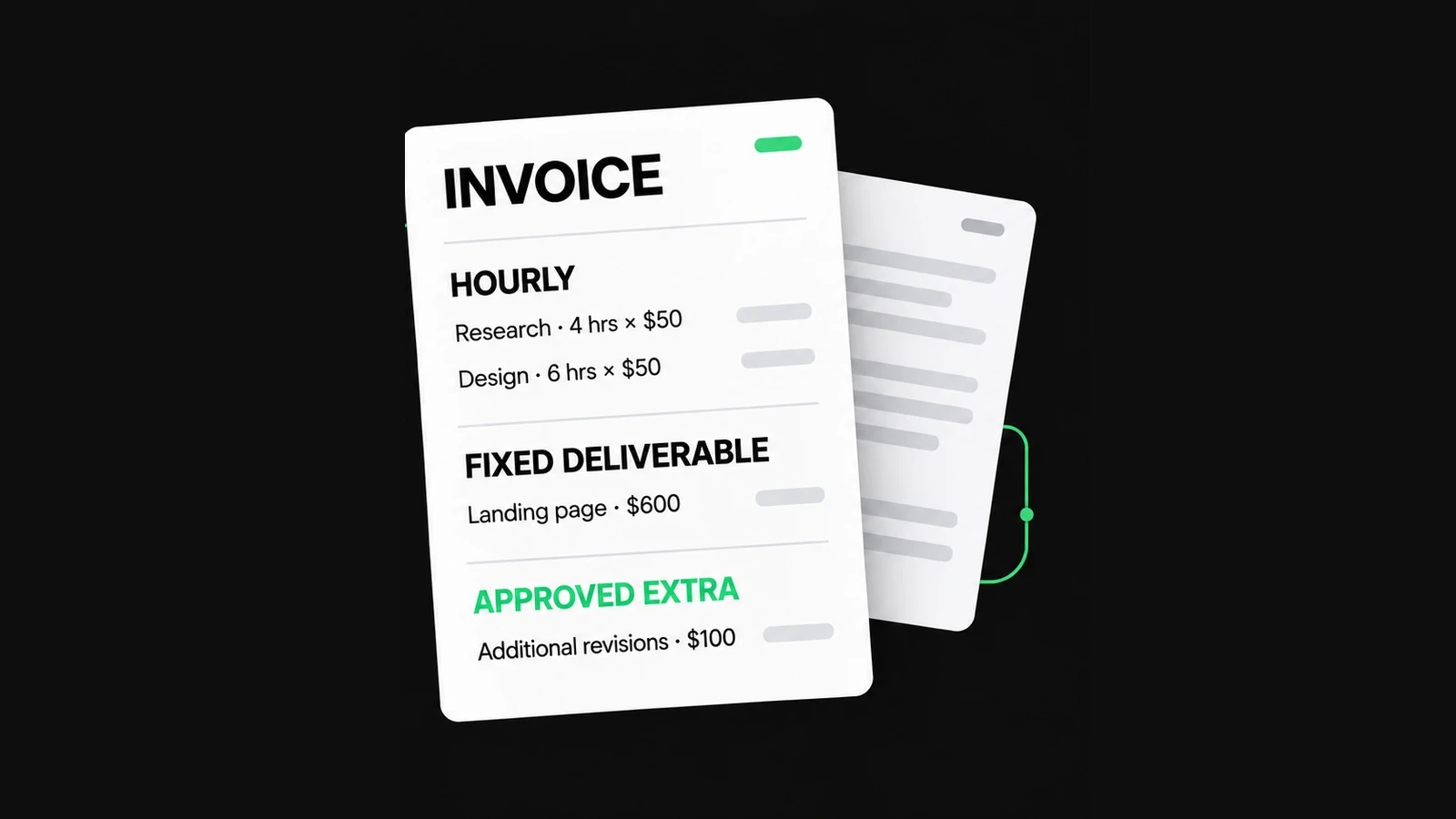
Fixed stages, hourly work and ongoing service periods should use quantities that reflect the agreement. Avoid listing a project fee and the hours already included in that fee as separate charges. The customer should be able to explain each line without reconstructing your internal task list.
| Model | Useful invoice line | Supporting record |
|---|---|---|
| Fixed project stage | One named stage at its agreed price. | Scope, billing trigger and approval. |
| Hourly work | Approved task, billable hours and rate. | Time record and agreed limit. |
| Approved change | Named addition with a change reference. | Approved scope and price. |
| Maintenance period | Service package and covered dates. | Included work, allowance and extra-work rules. |
For hourly work, show the unit as hours rather than an unexplained quantity. For a fixed stage, use one stage or service. The freelancer example explains the hourly/fixed-fee distinction in more detail; this article adds project-stage and continuing-service controls.
Separate earlier stages from the current invoice
Consider a fictional website project with a base price of USD 1,200.00. The parties agreed two billable stages: an initial stage of USD 480.00 and a launch stage of USD 720.00. The first was already invoiced and paid. The second has now met its agreed billing trigger.
| Base-project stage | Agreed amount | Current billing position |
|---|---|---|
| Initial stage | USD 480.00 | Already invoiced and paid separately; excluded from this bill. |
| Launch stage | USD 720.00 | Included in the current invoice. |
| Whole base project | USD 1,200.00 | USD 480.00 + USD 720.00; not a third charge. |
Do not bill the full base project again and leave the earlier stage invoice outstanding for the same work. Equally, if the current invoice includes only the remaining stage, do not subtract the earlier USD 480.00 payment from it. That payment settled the earlier bill; it is not automatically a payment against this one.
If a deposit was collected against a single full-project invoice instead, reconcile that invoice's actual received payment and remaining balance. These are different records. The payment-terms guide shows the single-invoice approach and why a payment must be deducted only once.
A checked invoice for the work billed now
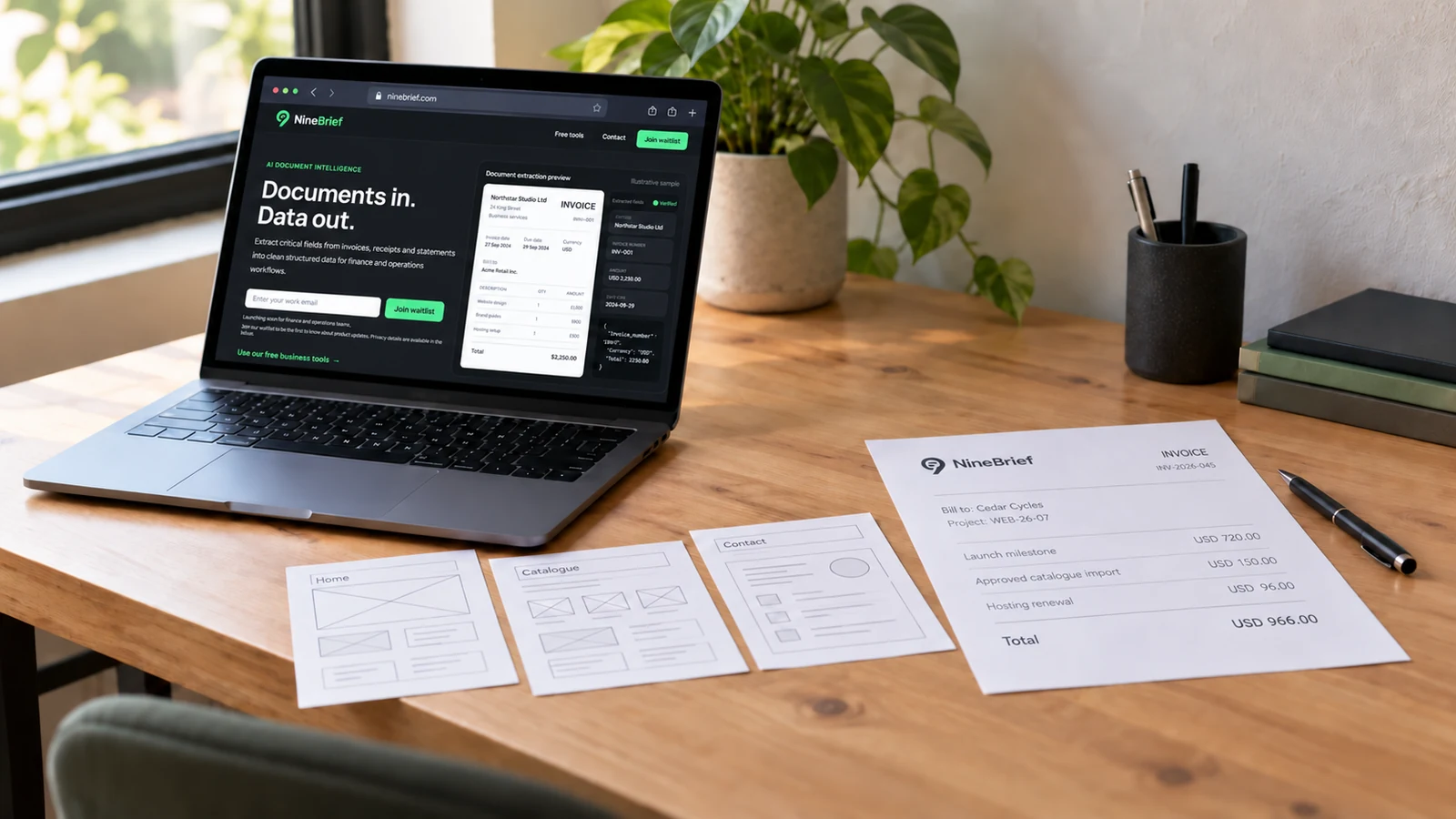
This original synthetic example uses NineBrief as the sender and Cedar Cycles as an invented customer. Besides the current launch stage, the customer approved a catalogue import under change CHG-02 and an annual hosting renewal. The prices demonstrate the calculation; they are not suggested market rates.
| Description | Quantity | Rate (USD) | Amount (USD) |
|---|---|---|---|
| Launch milestone — project WEB-26-07 | 1 stage | 720.00 | 720.00 |
| Approved catalogue import — change CHG-02 | 1 change | 150.00 | 150.00 |
| Agreed hosting renewal — October 2026 to September 2027 | 1 renewal | 96.00 | 96.00 |
The current total is USD 966.00. The earlier USD 480.00 stage is visible in the project register, not another line or a negative payment on this invoice. Assume nothing has yet been received against the current bill; its Amount paid field should not inherit the earlier payment.
Tax, discounts and other adjustments need a separate review for the actual transaction. Leaving them out of this worked example does not mean web-development or hosting services are tax-exempt. Check each charge and its applicable treatment before preparing your own document.
Make scope changes traceable
Use a change reference and a description that explains what the customer approved. “Catalogue import — change CHG-02” is more useful than “extra work.” Keep the approval and agreed price in the project record; the invoice summarizes them rather than creating approval after the event.
Separate included revisions from additions. If the original fee already covers a review round or a certain import, do not bill it again merely because it took time. For genuinely additional work, confirm the new scope, charging basis and billing point before presenting the charge.
When the scope is still being agreed, use the Quote & Estimate Generator to prepare the proposal. Retain the accepted scope elsewhere. Neither that tool nor the invoice generator verifies acceptance, maintains a change log or manages the project for you.
Identify who owns hosting and other costs
For a hosting renewal, domain charge or other third-party item, check who purchased it, which period it covers and whether your agreement allows you to bill it. State the service and period clearly. A client-owned subscription paid directly by the client should not also appear as a reimbursement to you.
Distinguish a cost passed through under your agreement from your own managed-service fee. Avoid implying that a single hosting charge includes maintenance, support, content changes or software licences unless that scope was actually agreed. Keep provider evidence outside the invoice where necessary.
Never put hosting passwords, recovery codes, repository tokens or administrative login links containing secrets on the bill. Billing references and secure access handover serve different purposes. Check contractual and professional requirements separately for ownership or licence questions.
Give maintenance its own period and scope
Identify the covered dates and agreed service rather than copying “monthly support” indefinitely. Clarify whether the charge is a fixed package, an allowance of time or actual hours used. A package price does not automatically become an hourly rate, and unused time does not necessarily roll forward.
Check what is included before adding an overage. If routine updates are inside the package, do not also charge for those same updates as standalone labour. Keep separately approved tasks distinguishable, along with the time record or fixed extra price used to calculate them.
If project completion and maintenance appear on one invoice, make both scopes and periods clear; otherwise use the separate bills your agreement calls for. Review every repeated bill as a new transaction. NineBrief does not schedule recurring invoices, meter support usage or maintain a cloud project history.
Keep approval, dates and handover distinct
Name the billing trigger accurately: acceptance of a stage, an agreed instalment date or another specified event. A website going live and a client approving work can occur on different days. The Australian government’s contract guidance similarly distinguishes instalment dates, milestones, amounts and acceptable work; it is an Australian reference, not a universal model contract.
Show the invoice issue date and agreed payment deadline separately from the service period. Check the exact due date after selecting the payment term. Do not use “pay before launch” if the invoice is being issued after launch without reconciling that mismatch with the agreement.
Keep handover records in the appropriate secure channel. An invoice is not a repository transfer, a licence agreement, a launch test or evidence that credentials were delivered. This example does not establish a right to withhold a website or impose a new condition on an existing project.
Prepare the bill in the current NineBrief tool
- Open the Invoice Generator and preserve any existing draft you need.
- Enter the business/customer identities, a checked invoice number, currency, dates and project reference.
- Add only the stages, approved changes and costs being billed now, using the agreed quantity and unit.
- Check taxes, adjustments and verified payments against this bill; exclude separately billed stages.
- Add concise project and payment details, then review the finished preview and save the PDF.
- Export a JSON backup before replacing the browser draft if you need an editable copy, and send through your own channel.
Use the numbering guide for reference allocation and the first-invoice guide for general fields. There is no dedicated web-development preset or automated stage-billing system in the current free tool. It prepares your reviewed document; it does not validate the project records for you.
Before sending a web-development invoice
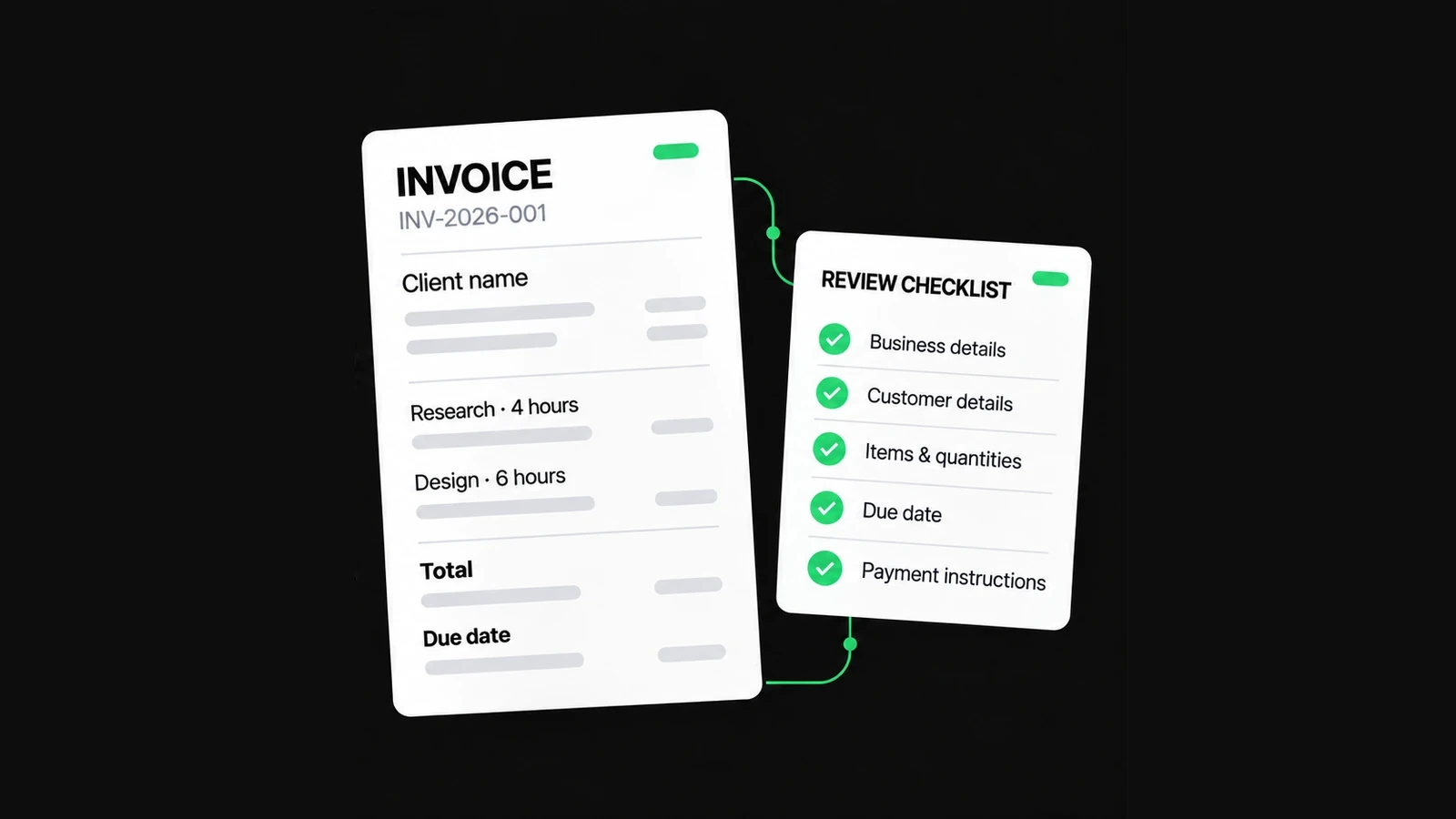
- The payer, billing recipient and project can be identified.
- Each stage has reached its agreed billing trigger.
- Previously invoiced work is not billed again or credited twice.
- Changes have a clear description, agreed price and approval reference.
- Hosting and other third-party costs have the right owner and period.
- Maintenance inclusions and extras do not overlap.
- The dates, tax choices, current-bill payments and total have been reviewed.
- No project credentials are included, and the checked file and relevant records are retained.
Sources and scope
Sources checked October 05, 2026: Australian government guidance on preparing contractor agreements and payment terms. These support the need for explicit scope and billing events; they do not establish global requirements. The project, customer, charges and approval references here are synthetic, not a real NineBrief engagement.
About this resource
Product instructions are based on the current free-tool implementation; examples are synthetic and their arithmetic is checked. This is practical product guidance, not professional legal, tax or accounting advice.
For how the tools operate, see the Free Tools Terms of Use and Privacy Policy. Send corrections to hello@ninebrief.com without including confidential customer documents.