
A clear catering invoice identifies the paying customer and event, then separates the agreed food or guest charges from staffing, equipment and delivery. Use the confirmed charging basis rather than guessing from attendance. Show any payment actually received against the same bill separately from discounts, and reconcile the remaining balance before sending.
In this example
Identify the event and the paying customer
The venue contact, event organiser and person responsible for payment may be different. Confirm the billing customer's business name, address, invoice contact and any purchase-order reference before preparing the bill. Include the event reference, location and service date so the payer can match it to the booking.
An event name alone can be ambiguous when the same customer books several lunches. Use a stable booking reference alongside the invoice number, and keep your own record of issued numbers. NineBrief does not reserve numbers across a team or maintain a shared event register.
The first-invoice guide covers the general document fields; this article concentrates on the catering details that make the charges understandable.
Establish the charging basis before the final bill
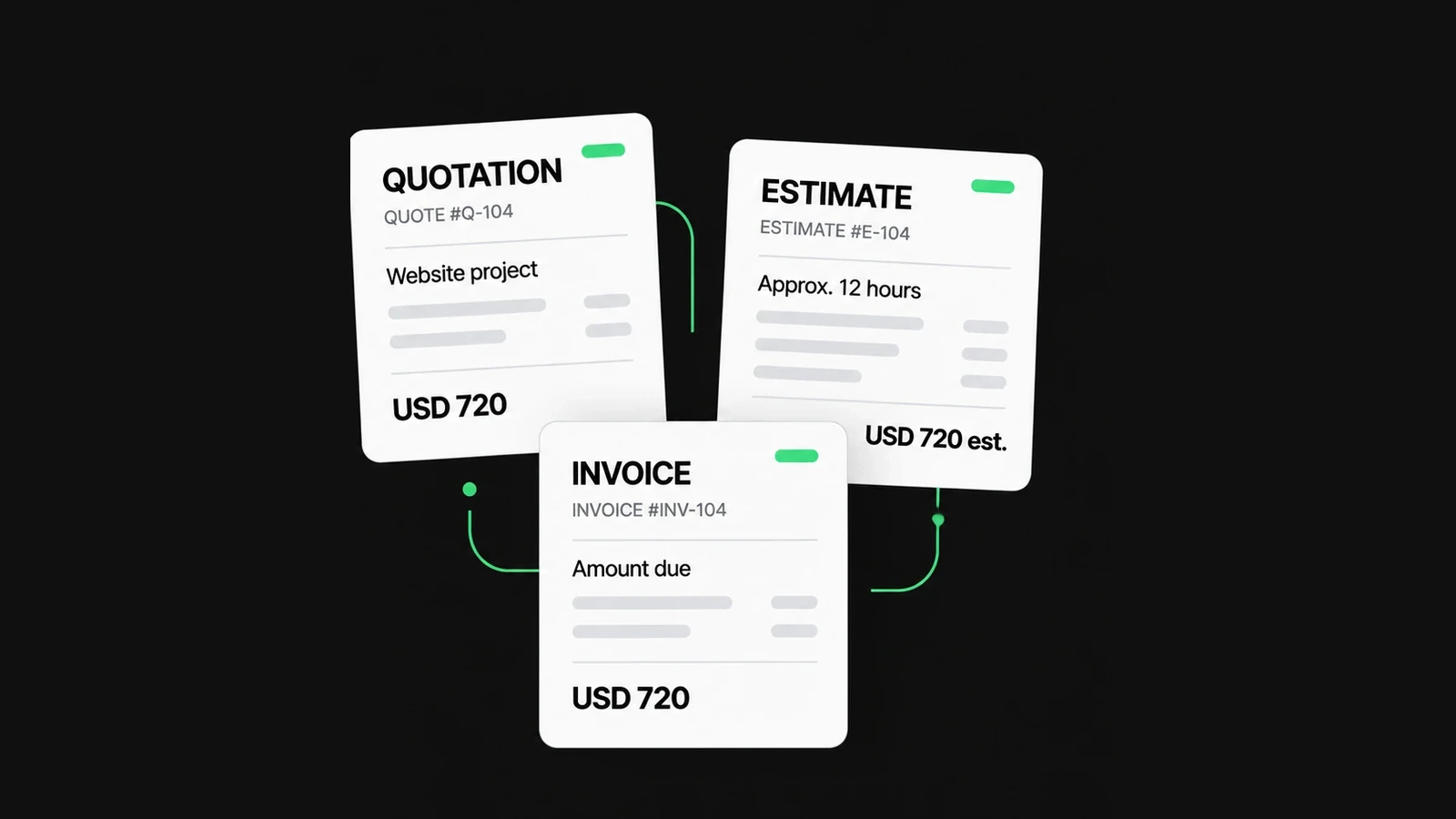
Keep the agreed menu or package, chargeable guest count, included services and payment terms with the booking. Ask how late additions, reductions and substitutions are approved. A quote, an estimate and a final invoice serve different purposes; see how to choose the right document.
Australian guidance on preparing quotes explains recording scope, price and conditions. Use your actual agreement and local requirements; this article does not establish a universal minimum-headcount, cancellation fee or right to retain a deposit.
If a change is approved, record who approved it and which booking it affects. Avoid turning an internal kitchen estimate or an unaccepted request into a final charge.
Make guest counts and package inclusions explicit
For a per-person package, state the chargeable count and the agreed rate. The number billed might be an agreed guaranteed count rather than everyone who attended, but that basis must come from the agreement. If you quote by tray or buffet package, bill that unit instead of converting it into an unexplained per-person amount.
Describe what the package includes. If staffing, serving equipment or delivery is already included, do not charge it again as a separate extra. Where a customer approves additional meals or a different menu, keep the change distinguishable from the original package.
Keep dietary and service instructions in the appropriate operational records. An invoice is not an allergen declaration, food-safety plan or evidence that a guest's dietary requirements were met.
Separate staff time, hire and delivery
Two staff working three chargeable hours each represent six staff-hours. Explain whether setup, service and cleanup are included in those hours. Record an approved extension separately rather than silently changing the originally agreed rate or duration.
| Charge | Useful detail |
|---|---|
| Food or guest package | Agreed menu/package, unit and chargeable quantity |
| Staffing | Number of staff, chargeable hours and included work |
| Equipment hire | Items or package, hire period and agreed charge |
| Delivery and collection | Venue, service date and what the fee includes |
| Approved addition | Change reference, quantity and agreed price |
A refundable equipment-security deposit is not automatically a catering charge or payment against the food invoice. Keep its purpose and agreed treatment separate. This guide does not decide tax treatment or when a business may retain that money.
Check a complete catering invoice
Cedar Table Catering supplies a fictional lunch for Willow Studio under booking EVT-2026-052. The agreed package covers 40 guests. Staffing, serving-equipment hire and delivery are separately agreed, not already included in the meal price.
| Description | Quantity | Rate (GBP) | Amount (GBP) |
|---|---|---|---|
| Confirmed lunch package, event EVT-2026-052 | 40 guests | 22.50 | 900.00 |
| Event service, 2 staff for 3 hours each | 6 staff-hours | 25.00 | 150.00 |
| Agreed serving-equipment hire | 1 package | 75.00 | 75.00 |
| Agreed delivery and collection | 1 service | 30.00 | 30.00 |
The service line uses 2 staff × 3 hours = 6 staff-hours. Multiplying those hours by GBP 25.00 gives GBP 150.00. The four charge lines total GBP 1,155.00. Keep the charge total visible even when a customer has already paid part of it.
The example intentionally excludes tax to show the arithmetic. It does not mean catering is tax-free, and it is not a template for tax registration, invoicing thresholds or deposit timing in any country.
Apply an actual payment without reducing the charges
Suppose GBP 200.00 has actually been received against this same bill and has not been applied elsewhere. With the example's tax assumption, the remaining balance is GBP 1,155.00 − GBP 200.00 = GBP 955.00. Keep the payment date and reference in your own records.
A payment already received is not a discount. Reducing the package price by that payment hides the original charges and can distort the calculation. In NineBrief, use Amount Paid for a confirmed payment against the current invoice; verify the resulting balance yourself. Entering an amount does not connect to a bank or verify receipt.
If the advance was separately invoiced, do not blindly bill it again or subtract it twice. Reconcile that earlier document and your accounting treatment before issuing the final bill. Do not record a promised transfer as money already received.
Prepare the document in NineBrief
Open the Invoice Generator, protecting any existing draft you need first. Enter the customer, unique invoice reference, event details and currency. Add distinct lines using the agreed quantities and rates; put the event reference in the relevant description or notes.
Use the appropriate tax and charge settings for your situation, then record only payments actually received against this invoice. Check both the total and balance. The example's deadline is an explicit date under agreed payment terms, not an automatic reminder schedule.
Review Preview, use Download PDF and check the saved pages. Export JSON when you need an editable backup. Send the checked file through your existing channel; NineBrief does not email it, reconcile payments, store a cloud invoice history or schedule reminders.
Keep the delivery record separate
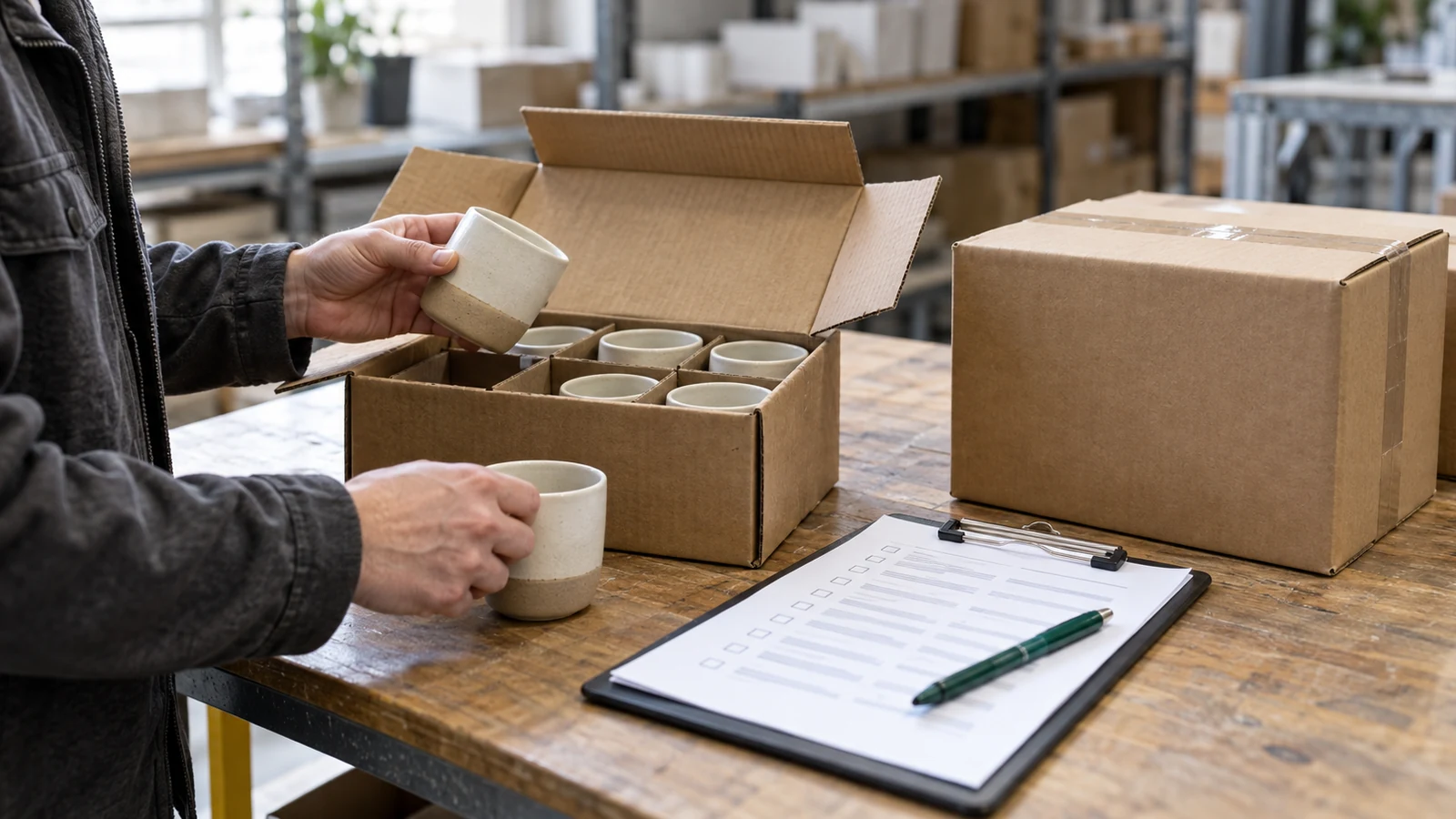
For a delivered order or hired equipment, a quantity-only record can help the venue check what arrived. Follow the delivery-note guide for references, quantities, acknowledgement and exceptions.
Do not use a signed delivery note to imply the invoice was paid or every catering service was accepted without qualification. An equipment return also needs its own record of items and condition. NineBrief does not maintain a live hire inventory or automatically reconcile returned items with deposits.
Review the bill before sending
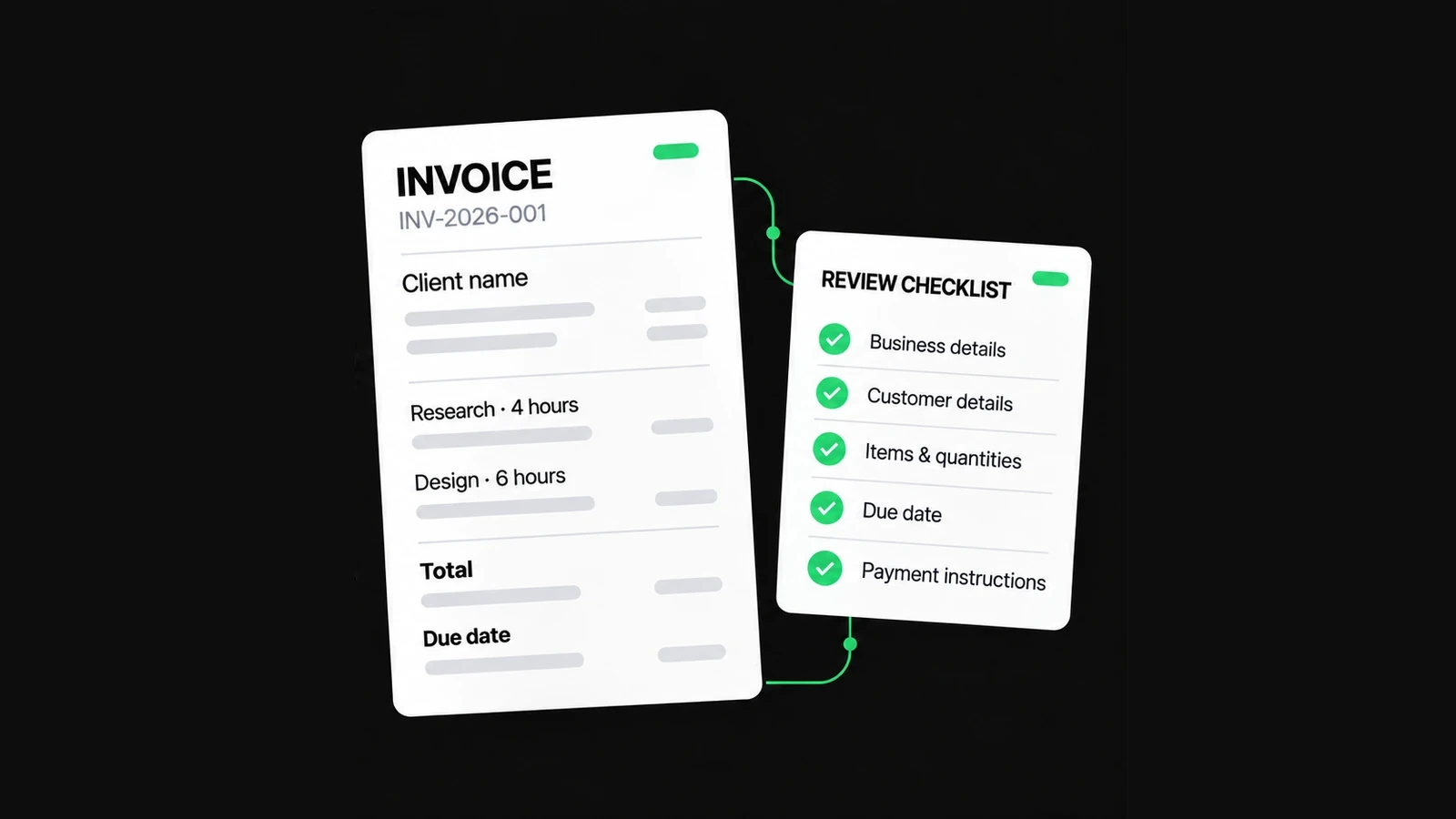
- The payer, event reference, service date and invoice number identify the right booking.
- The billed guest or package count matches the agreed basis.
- Included staffing, hire or delivery has not been charged twice.
- Additional work has a clear approval and charging basis.
- Tax settings have been checked for the actual transaction.
- Payments received are supported and have not been counted twice.
- The due date, payment instructions, total and balance are correct.
- The PDF is readable and an editable backup is retained where needed.
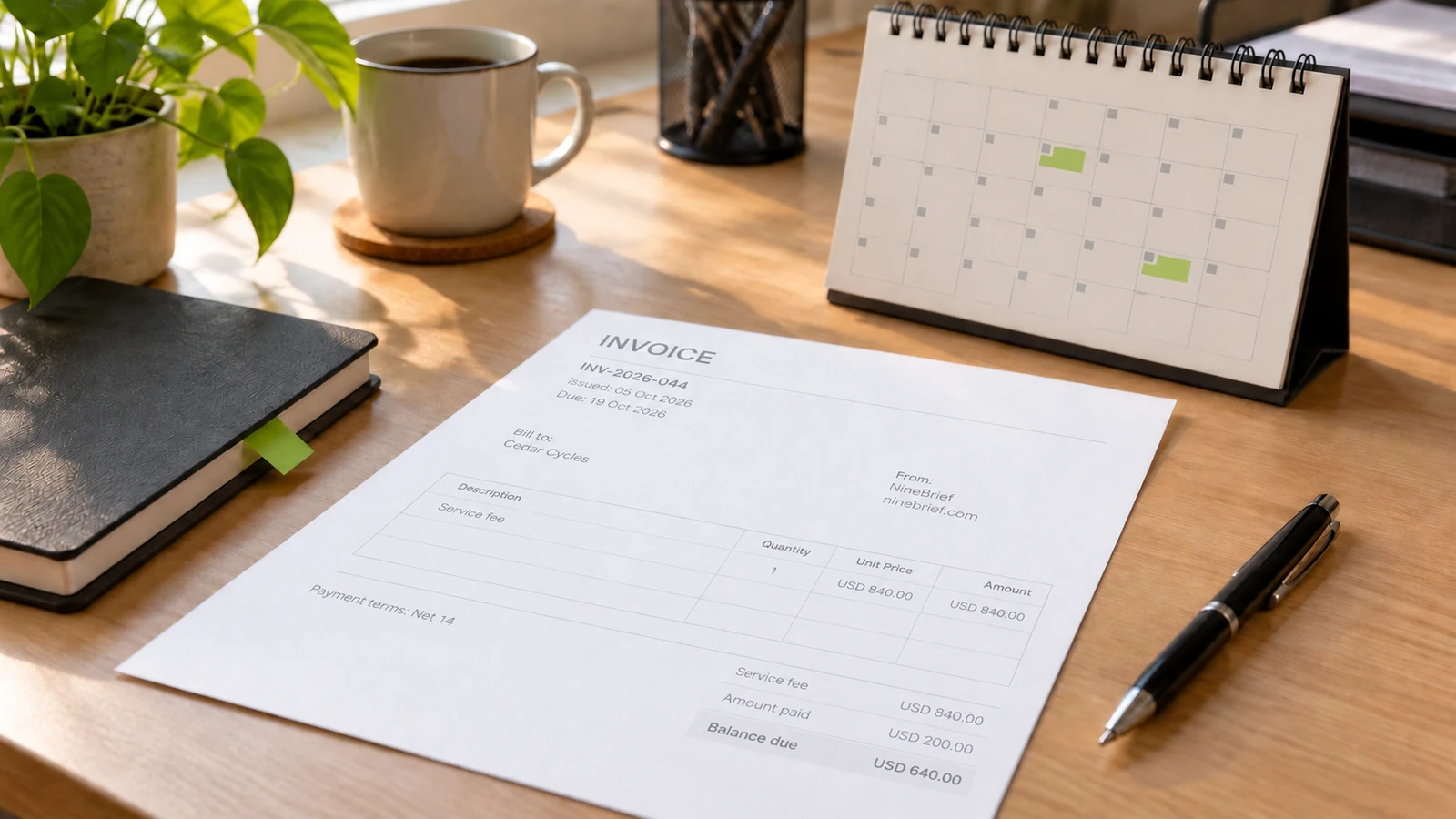
For local requirements, start with UK invoice information or Australian invoicing guidance, then check the rules applicable to your business. These links do not establish one worldwide catering tax treatment. The feature image is an AI-generated illustration; the event, customer and rates used here are fictional.
About this resource
Product instructions are based on the current free-tool implementation; examples are synthetic and their arithmetic is checked. This is practical product guidance, not professional legal, tax or accounting advice.
For how the tools operate, see the Free Tools Terms of Use and Privacy Policy. Send corrections to hello@ninebrief.com without including confidential customer documents.