To create a delivery note, identify the sender and recipient, give the shipment a reference and date, and list the goods actually handed over with clear quantities and units. Record shortages or damage separately and leave acknowledgement details blank until they are known. Keep the completed handover record with the related order; prepare an invoice separately when you need to bill.
In this guide
Decide what the delivery note records
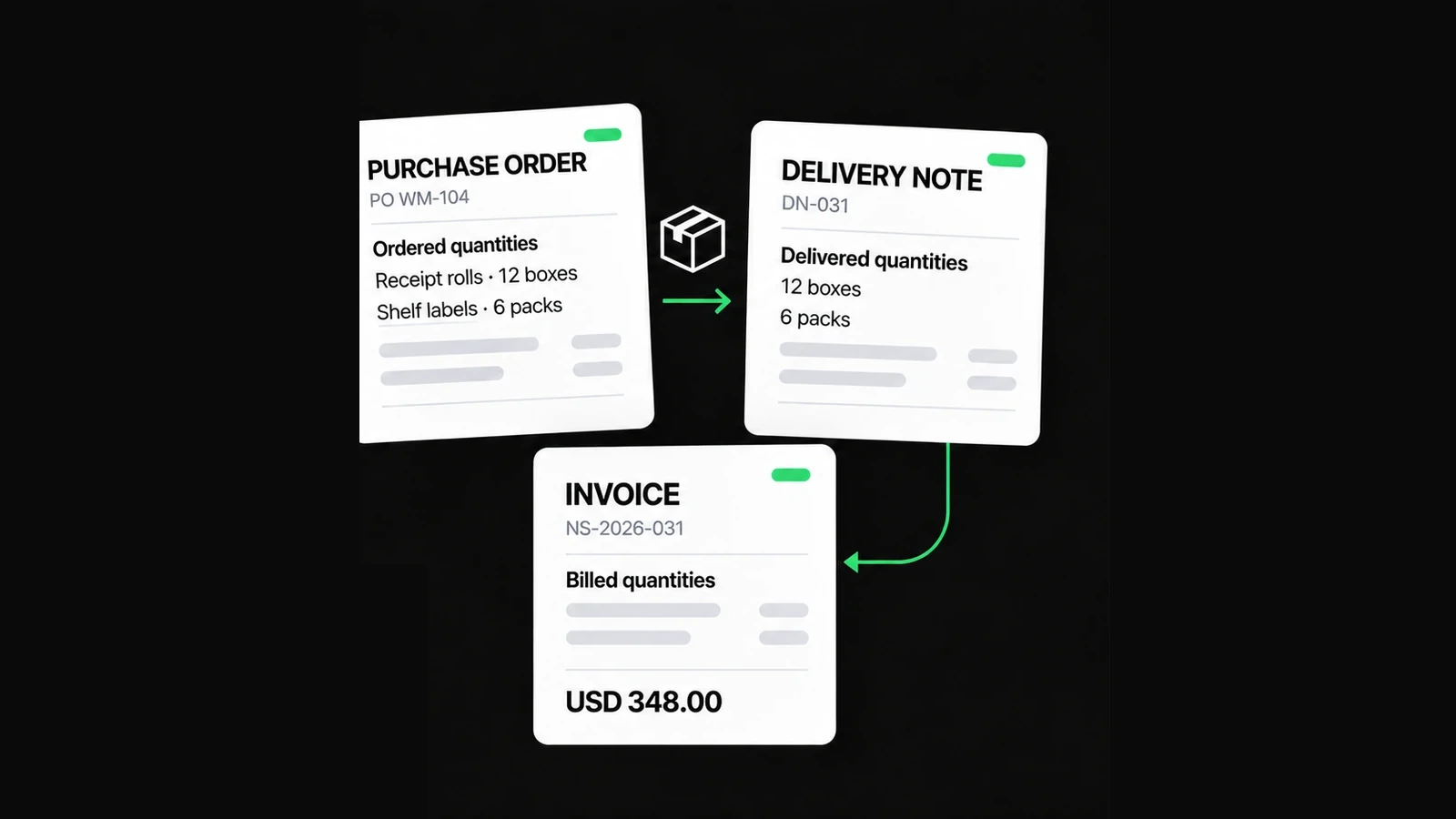
A delivery note travels with or identifies a particular handover of goods. It helps the sender and recipient compare what was expected with what arrived. A purchase order describes the order; an invoice describes the charges. Those documents can share references without becoming interchangeable.
Preparing a note does not establish that the delivery happened. A receiver name or signature area is not payment verification, and acknowledgement does not automatically settle a dispute about quality or contractual acceptance. Record what was actually checked and leave unresolved questions visible.
For the wider workflow, read who sends the purchase order, invoice and delivery note. This guide focuses on making the handover record usable.
If a customer asks for a packing slip or delivery docket, confirm the details they expect rather than relying on the name. A list of parcel contents and an acknowledged handover are not automatically the same evidence.
Gather the fields before dispatch
Use a reference you can find again and check it against your own register. NineBrief does not allocate globally unique delivery numbers across your business. Keep the delivery reference separate from the customer's order reference, even if you use a shared sequence in your records.
| Field | What to record |
|---|---|
| Sender and recipient | The businesses involved and useful contact details |
| Delivery location | The actual receiving address, which may differ from billing |
| References and date | Delivery-note reference, related order or invoice reference, and delivery date |
| Goods and units | Recognizable descriptions and quantities for this handover |
| Logistics | Relevant carrier, tracking or delivery instructions, if known |
| Acknowledgement | Actual receiver and received date/time when available |
| Exceptions | Shortages, damage, substitutions or checks still outstanding |
This is a practical checklist, not a universal legal specification. Avoid putting door codes, identity-document details or unrelated personal information on paperwork that passes between several people.
Use quantities that someone can count
“Cups, 3” leaves the receiver wondering whether that means individual cups, cartons or sets. Prefer a consistent unit in the description, such as “Ceramic cups — individual units.” If cartons contain a fixed number of items, make the packing relationship explicit rather than silently switching between cartons and items.
Separate similar products when their size, colour or reference matters. A total across unrelated units is not a useful stock count. For mixed goods, review each line independently; a missing tray cannot be offset by an extra cup.
The current Delivery Note Generator is quantity-only. It does not need invoice prices or payment terms to describe the goods handed over.
Follow a partial-delivery example
In this fictional example, Cedar Event Supplies receives order PO-2026-084 from Willow Hall for 24 ceramic cups and 12 serving trays. Dispatch DN-2026-041 carries only the quantities shown below. The order is not fully fulfilled just because a delivery note has been prepared.
| Goods | Ordered | In this dispatch | Not yet dispatched |
|---|---|---|---|
| Ceramic cups, individual units | 24 | 18 | 6 |
| Serving trays, individual units | 12 | 12 | 0 |
Enter 18 cups and 12 trays as the delivered-item lines for this handover. Keep the ordered and outstanding quantities in your supporting order record or a clear note. Do not copy all 24 cups into the delivered quantity simply because that is the order total.
If another shipment follows, give it its own delivery reference and actual date. NineBrief does not maintain an order balance or automatically subtract earlier deliveries.
Record damage without hiding the original handover
At receiving, one of the 18 cups is found damaged. A useful exception reads: “18 cups received: 17 accepted undamaged; 1 damaged cup separated for review. 12 trays received. 6 ordered cups were not in this dispatch.” These quantities describe different facts and should not be collapsed into a single revised total.
Agree the next action with the supplier and keep its reference. The later supply of the 6 outstanding cups is separate from any agreed replacement for the damaged cup. A return, replacement or billing adjustment needs its own clear record; this example does not decide who bears the cost.
If you correct a note after sharing it, identify the revision and retain the earlier copy in your own records. Do not silently replace an issued record and assume everyone has the same version.
Create the note in NineBrief
Open the Delivery Note Generator. Preserve an existing draft you need before starting another document. On compact screens, use the original Edit/Fields controls to reach the form; the preview is the same document, not a separate copy.
- Enter the sender, recipient and delivery address.
- Fill the delivery reference, date and relevant order or invoice reference.
- Add each item with its description, quantity and unit. Review the delivered quantities rather than copying the entire order by assumption.
- Add useful logistics and instructions. Use Notes for the clearly described exception or outstanding quantity.
- Complete Received by and Received date/time only when those details are known; otherwise leave them blank for the actual handover.
- Review Preview, then use Download PDF and the browser's print/PDF controls. Open the saved file and check every page.
The generator also provides JSON export/import for an editable backup. A PDF is the reading/printing copy; JSON is not a substitute for a retained signed or acknowledged record. The browser-local draft is not a cloud document archive.
Check the record at handover
- Match the delivery address and reference to the shipment being checked.
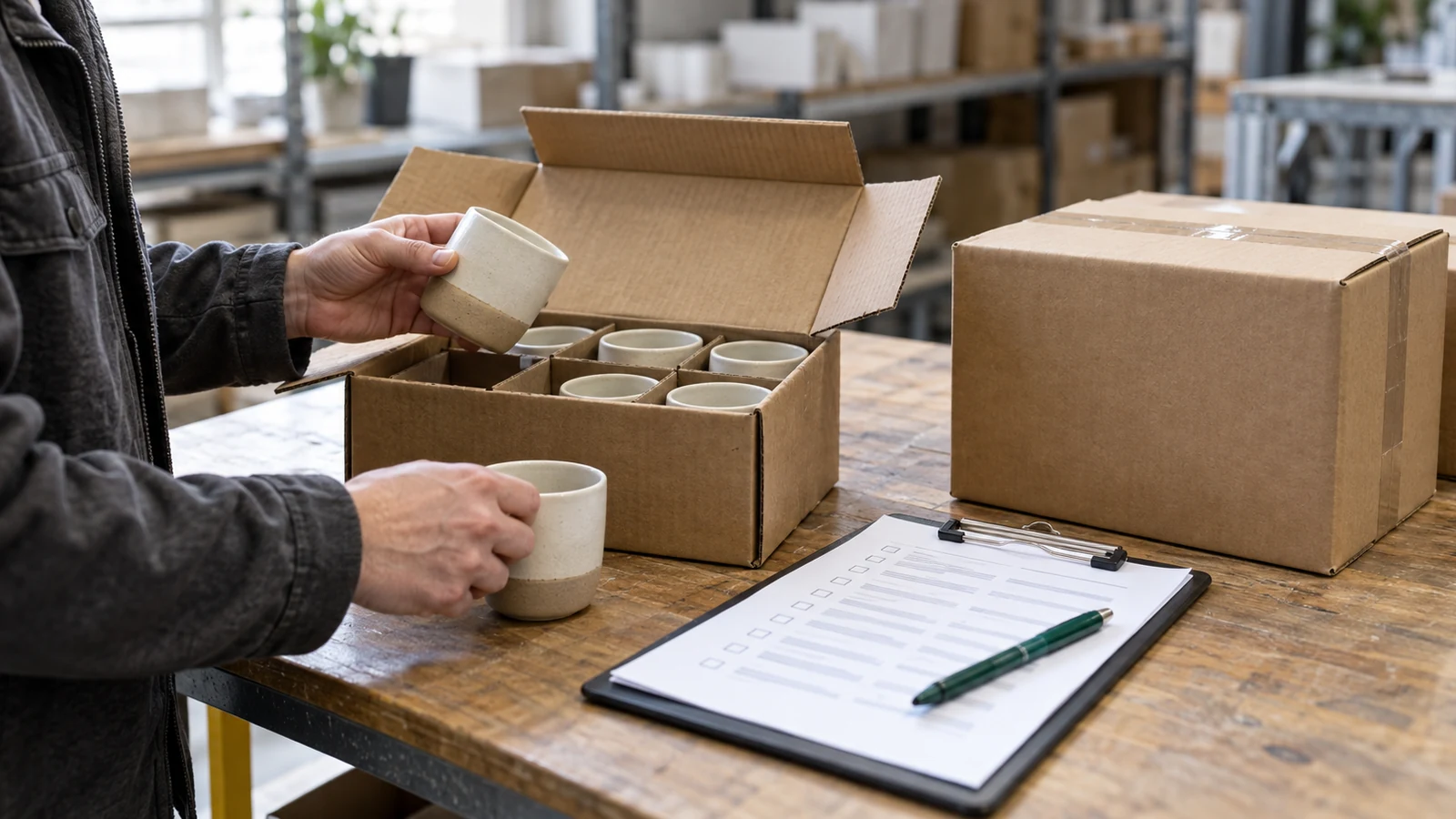
- Count each product using the stated unit, including any opened or partial carton.
- Describe damage, missing items and unchecked contents without implying they were accepted.
- Record only the receiver details and time that are actually known.
- Keep an agreed copy of the completed record and link it to the order.
- Review the saved PDF for cut-off rows, missing notes and unwanted editor controls.
If nobody is available to acknowledge receipt, keep that fact visible. Do not prefill a receiver's name or describe an unsigned document as confirmed proof of delivery. Follow the agreed receiving procedure for the actual transaction.
Keep billing and payment evidence separate
A delivery note does not calculate what is owed or prove that money was received. For invoicing after a partial shipment, reconcile the agreed billing basis against your own order and delivery records. The small-supplier example explains the billing distinction.
For jurisdiction-specific invoice information, consult GOV.UK's invoice guidance or Australian invoicing guidance. These sources concern invoices; they do not turn this quantity-only note into a compliant tax invoice. Australian receipt guidance separately explains proof of purchase.
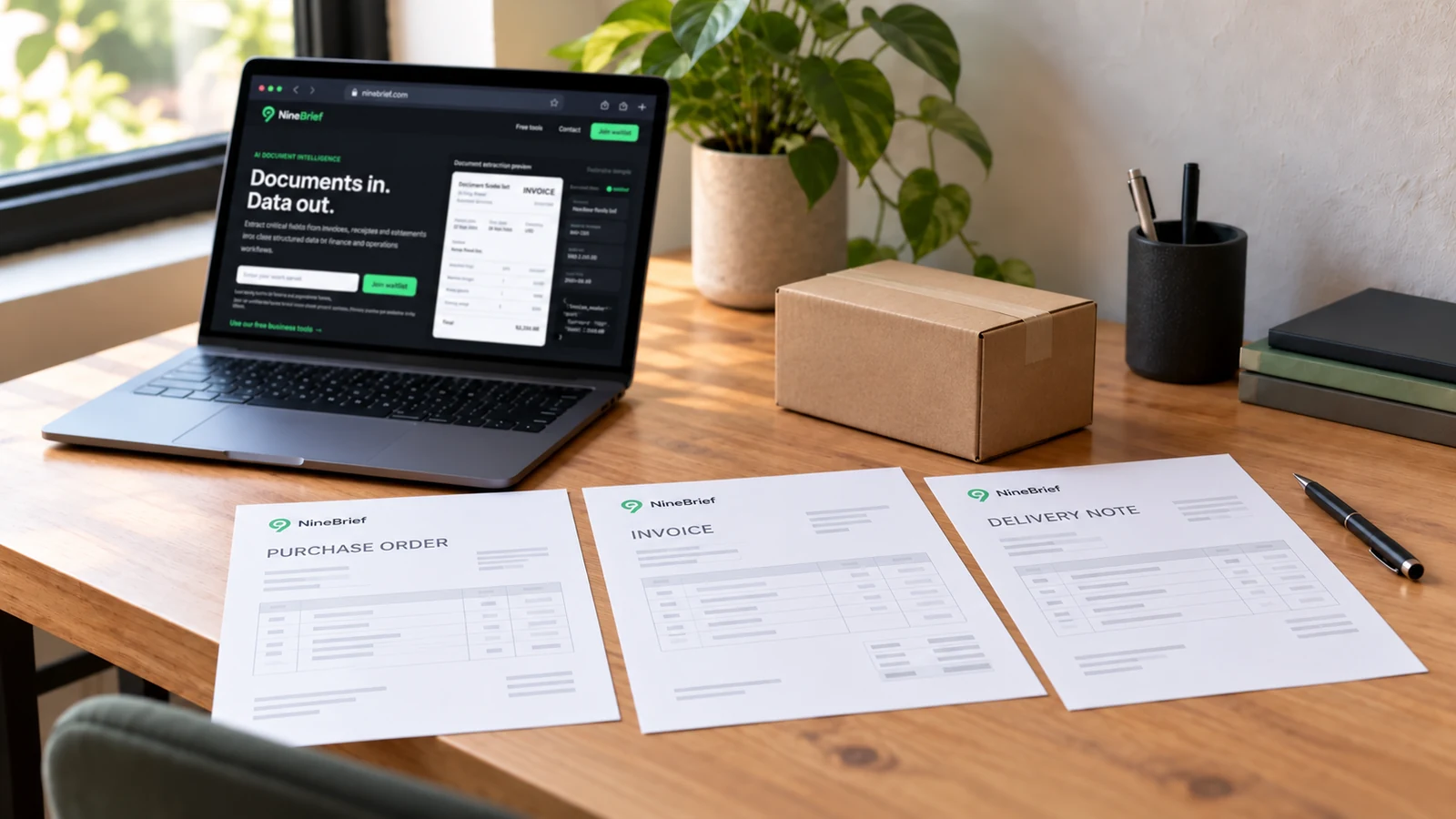
NineBrief does not verify signatures, track stock, reconcile payments or send the document for you. Share the checked file through your existing agreed channel. The feature image is an AI-generated illustration of a receiving workflow; the businesses and quantities in this guide are fictional.
About this resource
Product instructions are based on the current free-tool implementation; examples are synthetic and their arithmetic is checked. This is practical product guidance, not professional legal, tax or accounting advice.
For how the tools operate, see the Free Tools Terms of Use and Privacy Policy. Send corrections to hello@ninebrief.com without including confidential customer documents.