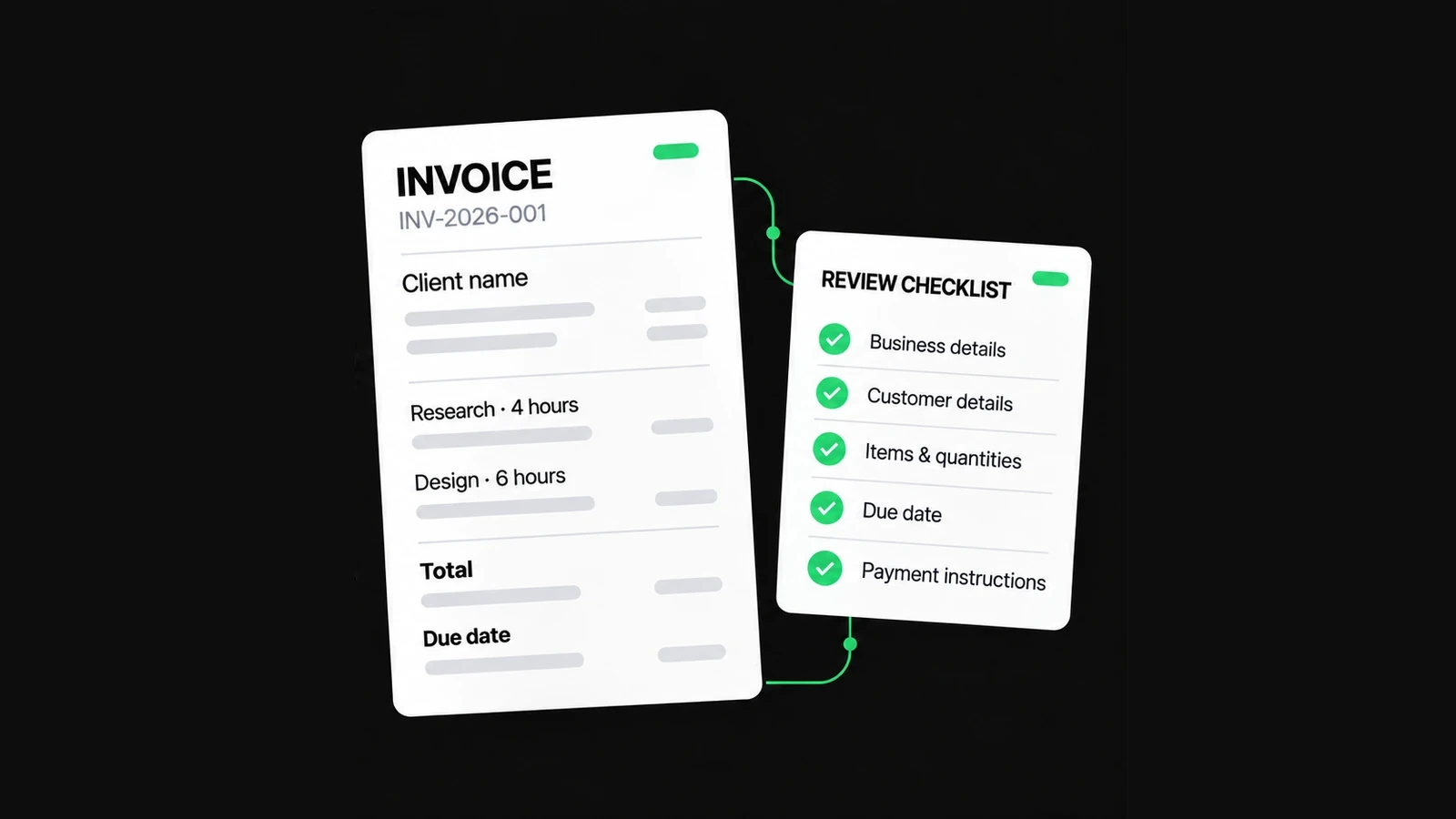
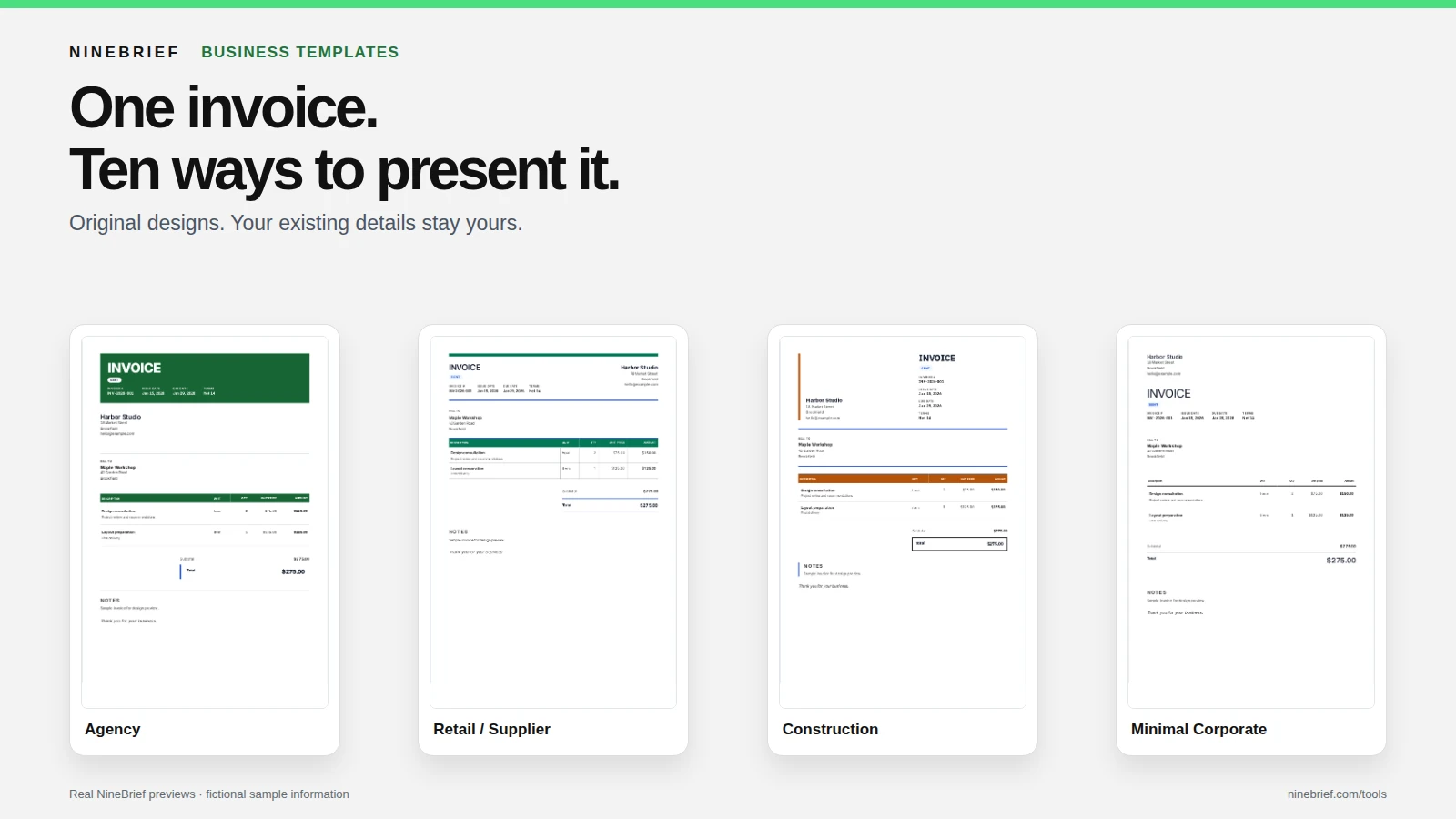
Choose an invoice template that makes your business and customer details, line-item units, prices, due date and total easy to verify. A minimal layout can suit a short service bill, while more structured designs help with goods, projects and labour-and-materials invoices. NineBrief lets you preview ten named business designs and apply a different appearance without replacing the details and amounts you have entered.
In this guide
Start with what your customer needs to check
An invoice is a request for payment, not a design portfolio. Its layout should make the seller and customer identifiable, each charge understandable, and the amount and due date easy to find. A decorative heading cannot compensate for an unclear unit, missing purchase-order reference or wrong total.
Before choosing colours or typefaces, consider the billing model: a single fixed fee, hours and deliverables, supplied goods or a project with labour and materials. If customers regularly check quantities, SKU references or stages, choose a layout that gives those details room. If the invoice has only one or two charges, a quieter layout may be easier to read.
An invoice template does not decide which details are legally required. Tax, numbering and disclosure rules depend on the transaction and jurisdiction. Use the first-invoice checklist when preparing the underlying facts; this guide is about choosing their presentation.
Compare ten original NineBrief business designs
NineBrief includes ten named business designs across its Invoice, Quote, Estimate and Purchase Order tools. They are starting points for visual presentation, not separate accounting products. You can choose a style for its readability even if its name does not match your profession.
| Design | Visual emphasis | Useful starting point |
|---|---|---|
| Freelancer | Open layout and uncluttered charges | Hours, fixed-fee tasks and a short service invoice |
| Consultant | Restrained engagement and reference hierarchy | Advisory work, project phases and deliverables |
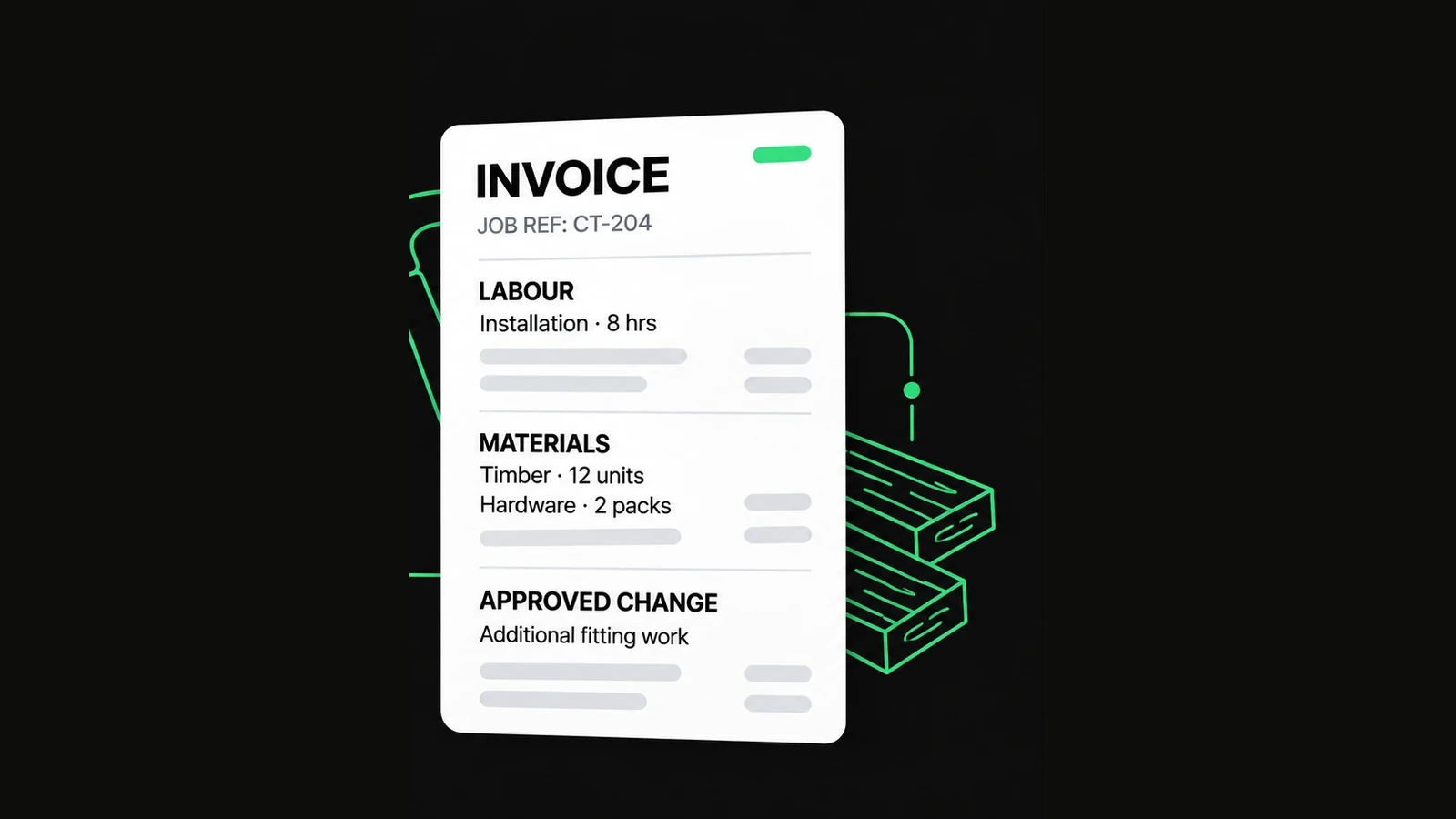
| Contractor | Practical rules and line-item clarity | Labour, materials and approved job extras |
| Agency | Expressive title and document header | Campaigns, creative deliverables and project work |
| Web / Software | Structured technical references | Development phases, services and project identifiers |
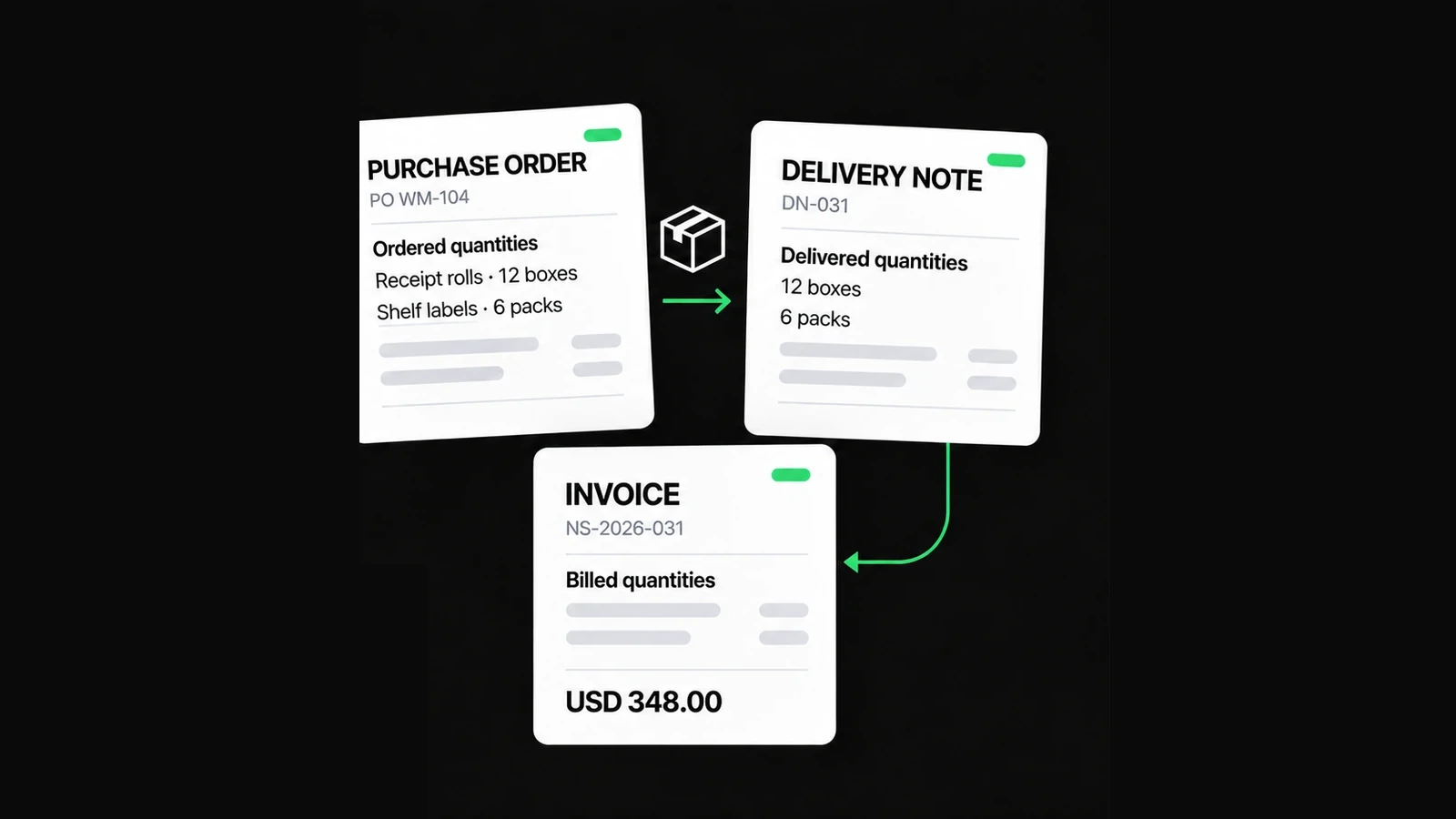
| Retail / Supplier | Denser commercial rows | Products, quantities, units and buyer references |
| Construction | Prominent project identity and clear totals | Site work, materials and job-based billing |
| Professional Services | Conservative, refined typography | Advisory, accounting or other professional engagements |
| Minimal Corporate | Monochrome, spacious presentation | A short, understated business invoice |
| Executive | Formal hierarchy and prominent summary | A polished corporate-facing invoice |
These are layout suggestions, not industry rules or promises of special tax fields. Actual charges, payment instructions and the customer's requested references still need to come from your own records. Choosing Retail / Supplier does not create inventory tracking; choosing Construction does not generate payment certificates.
If the customer expects a detailed product table, a structured design may work better even when you are an agency. Start with the information, then select the appearance.
Use the same invoice to judge different layouts
Consider a fictional studio invoicing a retailer for consultation and coordination. The values are kept constant so the comparison is about hierarchy, spacing and readability, not a different price or customer each time.
| Description | Quantity | Rate (USD) | Amount (USD) |
|---|---|---|---|
| Storefront design consultation | 3 hours | 85.00 | 255.00 |
| Signage production coordination | 1 project | 240.00 | 240.00 |
The two line amounts are USD 255.00 and USD 240.00, giving USD 495.00 before applicable adjustments. In a spacious design, look for enough separation between the service descriptions and the total. In a denser design, check that quantities and rates stay easy to compare. Neither choice should change the underlying calculation.
A design preview in NineBrief uses synthetic sample content, rather than exposing your current customer details in the chooser. The example above is educational; it is not a real invoice or a claim about what every chooser thumbnail contains.
Apply a business template without replacing your work
Open the NineBrief Invoice Generator and work with a valid invoice draft. If you already have a draft you need to keep, export an editable backup before major changes.
- Open the editor and select Business templates from the available design controls.
- Choose one of the named designs and inspect the Design preview. The chooser shows sample data to demonstrate presentation.
- Review the header-colour choices if you want to personalize the appearance. Good contrast matters more than matching an exact brand colour.
- Select Apply design. The tool prepares the change using existing presentation fields, then saves it through the normal local draft flow.
- Check the real invoice again. Confirm that the business logo, customer, invoice number, currency, descriptions, quantities, rates, totals and payment information still match your records.
The normal template action changes presentation only. It does not replace your typed line items with starter descriptions or turn an unpaid invoice into a paid one. The separate starter-content concept is not the same as applying a design.
Complete any pending edit or image operation and check for invalid values or draft-recovery conflicts. The tool may refuse a stale or unsafe save rather than overwrite a newer version. Do not assume that a failed attempt applied successfully.
Match the layout to the billing detail
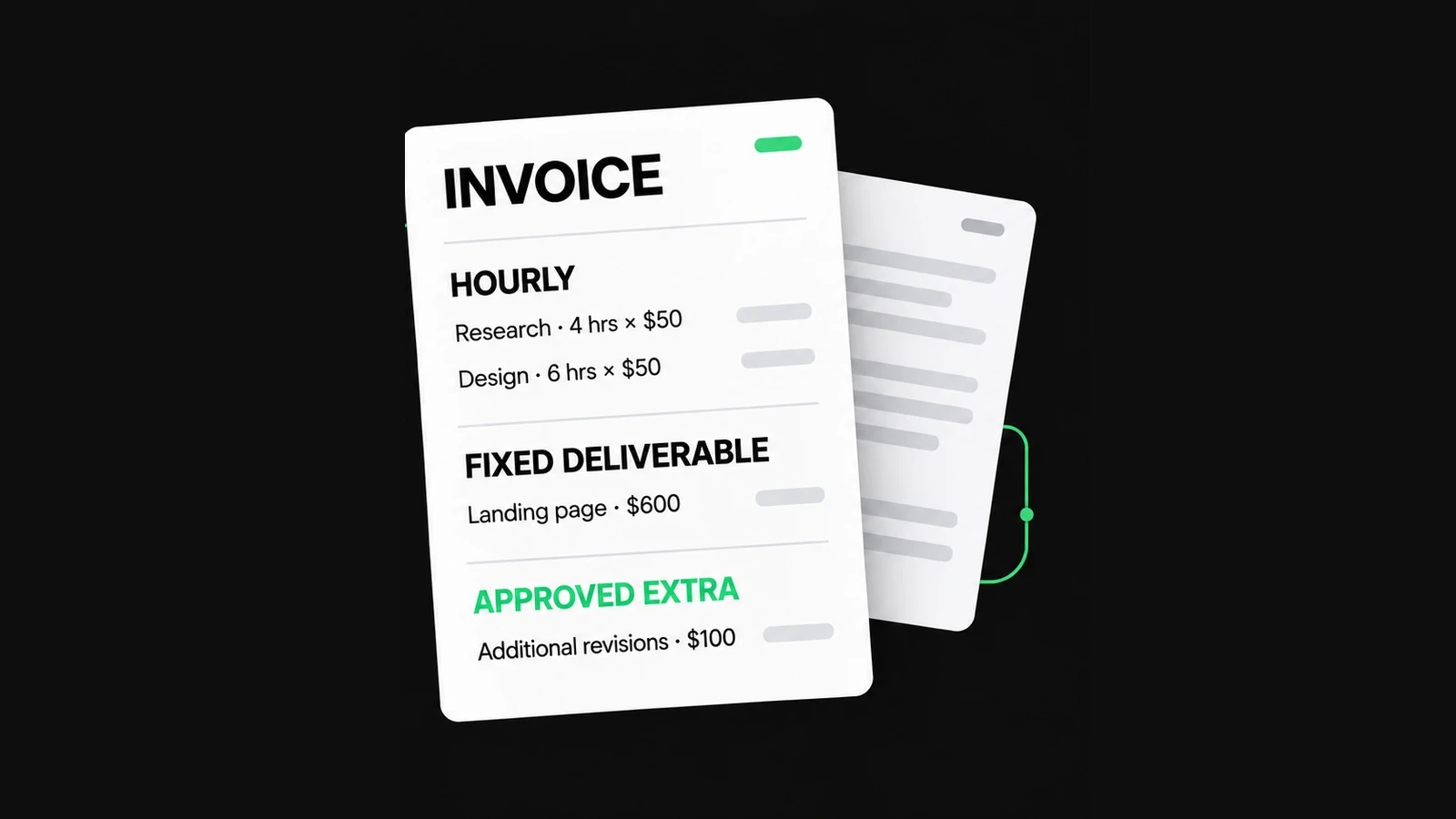
For hourly work, the reader should see the service period, hours, agreed rate and line amount without having to infer the calculation. Freelancer or Consultant can be useful starting points. Keep a fixed-price task separate from hours that are already included in that fee.
For projects and milestones, an Agency or Web / Software design can make a job reference or deliverable easier to identify. Keep earlier invoices and agreed changes in your own records so the same stage is not billed twice. A visually prominent project name does not verify approval.
For products, trades and construction, look closely at the quantity/unit/rate columns, materials descriptions, delivery or purchase-order references and printed page breaks. Retail / Supplier, Contractor or Construction are possible starting points. NineBrief calculates supported invoice entries but does not independently confirm stock, work completion or quantities delivered.
For formal correspondence, Professional Services, Minimal Corporate or Executive may suit the recipient's preferred presentation. A restrained design is not automatically more compliant or more credible; clear underlying information matters most.
Review colours, logo and print readability
Your logo can help recognition, but it should not crowd out the seller's legal or trading name or the customer's details. Review dark header text on dark backgrounds, lightly coloured rows, thin separators and long line descriptions. A design that looks good in a small thumbnail may print differently.
Where the chooser offers a header colour, inspect the actual sample before applying it. Review the finished document again afterward: some printed browsers handle background colours and scaling differently. If a colour hides a field or makes the total hard to read, choose another colour or a simpler design.
If you have a long invoice, inspect every page. Make sure the description of the final item and the total remain legible, that no row is cropped and that important payment terms have not been separated from the rest of the invoice. Do not select a style solely because its thumbnail looks attractive.
Final checks before you send
- The template is easy to read with the actual number of invoice rows.
- Your business logo, business and customer details are correct.
- Invoice number, issue date, due date and currency match your records.
- Descriptions, quantities, units, rates and any adjustments are unchanged.
- The total and amount due reflect actual charges and verified payments.
- Printed text, colours, tables and totals are readable on every PDF page.
- You have saved the checked PDF and any editable backup you need.
These checks improve presentation and record-keeping; they do not certify tax or legal compliance. A premium-looking template cannot repair incorrect prices, missing approval or payment instructions.
Common questions about business templates
Does choosing a design remove my existing invoice details?
No. The regular NineBrief business-template flow changes allowed appearance settings while preserving the entered invoice information. A save can be rejected when the draft is stale, busy or invalid; verify the final state instead of assuming every attempt succeeded.
Can I use a design named for a different type of business?
Yes. The names describe visual starting points rather than restrictions on profession. Select the layout that makes your actual descriptions, units and totals easiest for the recipient to check.
Do I need an account or a paid template subscription?
No account or special industry subscription is required for these free document designs. Your draft is browser-local; a downloaded PDF or JSON backup is a separate file you manage yourself.
Can I export the template as a Word or Excel file?
The current NineBrief Invoice Generator supports the browser print/PDF flow and an editable JSON backup. It does not provide a dedicated Word or Excel template download.
The feature illustration uses fictional sample details and genuine NineBrief template presentations. The comparisons describe released design behavior; no competitor design, customer invoice or payment record was copied.
About this resource
Product instructions are based on the current free-tool implementation; examples are synthetic and their arithmetic is checked. This is practical product guidance, not professional legal, tax or accounting advice.
For how the tools operate, see the Free Tools Terms of Use and Privacy Policy. Send corrections to hello@ninebrief.com without including confidential customer documents.